
How to Fulfill SHEIN Orders with Walmart MCS: Eligibility, Setup and Limits
Reading Time: 13 minutes Q4 is a bad time to discover that expanding to another…

Running short of time? Get PDF of the blog in your mail.
Shopify multichannel selling lets you use the catalog you already manage in Shopify to sell on other channels, such as Amazon, Walmart Marketplace, or TikTok Shop. Start with one marketplace and a small batch of products. Decide which system controls sellable stock, link any listings you already have, and check that an order on the new channel updates inventory and routes to the right fulfillment team.
That last check matters. A listing can go live while its stock points to the wrong warehouse or its orders still need to be entered by hand. Run a small pilot so you can catch those problems before you publish the rest of the catalog.
Choose a marketplace that suits how people buy your products and whose rules you can meet. Look up a few of your best sellers on each candidate channel. Compare the listings shoppers see, the delivered price, and the delivery promise you’d have to match. Then check eligibility in the region you plan to sell in.
| If this sounds like your catalog | Start by evaluating | Check before you connect |
|---|---|---|
| People already search for your type of product and compare similar offers. | Walmart Marketplace or Amazon | Seller eligibility, product identifiers, delivered price, and returns handling. |
| Shoppers understand the product faster when they see someone use it. | TikTok Shop | Category eligibility, shipping requirements, and whether you can produce demos or work with creators. |
| You have an eligible assortment for a value-focused marketplace and know your margin floor. | Temu or SHEIN | Whether the marketplace accepts your category and seller account in your market, plus the margin after fulfillment and returns. |
For US expansion, check Walmart Marketplace’s seller qualifications or TikTok Shop’s seller registration requirements before putting time into catalog mapping.
Price a few representative products before you choose. Start with the selling price and subtract product cost, channel fees, fulfillment, and an allowance for returns. If a product only works at a price shoppers are unlikely to pay on that channel, leave it out of the pilot.
Choose one system to control stock and one integration to handle the work you need for each marketplace. If Shopify already holds your sellable inventory, it can be your starting point. If a warehouse management system or fulfillment provider controls availability, confirm how its stock numbers reach Shopify and the marketplace before you turn on sync.
Start with 10 to 20 SKUs as a working pilot. Include a product with multiple variants and one item with low stock so you can see how the setup handles both. Check the SKU on each Shopify variant and confirm the barcode or other product identifier the destination asks for. Shopify’s SKU guide explains how to assign a unique SKU to each variant.
Use the same SKU for the same sellable variant where your channel setup allows it. If the marketplace uses a different SKU, record the mapping. For example, Shopify’s BOTTLE-BLK-750 must point to the marketplace listing for the black 750 ml bottle. Link it to the 500 ml version, and a successful order can still deduct the wrong stock.
Use Shopify’s sales channel instructions when your chosen channel has its own Shopify app. For marketplaces, check which catalog fields the connector can send, which system receives orders, and whether the app can link offers that are already live.
| Route | When it fits | What to verify |
|---|---|---|
| A channel-specific Shopify app | You plan to launch one channel, and its app covers the workflow you need. | Regional availability, inventory location, and what happens to orders and tracking. |
| Shopify Marketplace Connect | You want to manage listings, stock, and orders in Shopify admin for marketplaces the app supports, such as Amazon, eBay, or Walmart in the US. | Supported marketplaces and accounts, plus any existing offers you need to link. |
| A multichannel listing app | You want to reuse the same catalog across multiple marketplaces and manage the listing and sync work together. | The exact source-to-destination route, support for existing listings, and how inventory, orders, and fulfillment work on that route. |
If you’re taking a Shopify catalog to Walmart, TikTok Shop, Temu, or SHEIN, UniCon by CedCommerce is one option. It lets you prepare and publish listings in bulk and sync stock, pricing, and orders across supported channels. Check availability for your region and seller account before planning the rollout.
If you already sell an item on the destination marketplace, link the existing listing to its Shopify variant where your connector supports it. Review suggested matches against the SKU and barcode, then confirm the variant before enabling updates. UniCon’s guide to linking existing marketplace listings shows how this works.
For new listings, carry over the base product information and check what the destination requires. A marketplace may ask for a more specific category, a different attribute format, or a separate image. Use the product data requirements guide to prepare those fields before uploading the batch.
Start with one verified listing. Where the channel permits it, use an approved test order or follow your first live order end to end. Watch the SKU, quantity, and warehouse at each handoff.
| Test | What a pass looks like |
|---|---|
| Stock update | Change the sellable quantity in the system that owns stock. The connected listing shows the expected quantity after the normal sync window. |
| Order import | The receiving system records the order once against the correct variant and fulfillment location. |
| Fulfillment | The right warehouse or fulfillment service receives the order, and the marketplace shows the correct tracking after shipment. |
| Cancellation and restock | The cancellation reaches the right system. Your stock count changes only when your restock rules say it should. |
For example, if your pilot SKU has eight sellable units and you publish seven to a marketplace to keep one in reserve, and your connector maintains that buffer, a one-unit marketplace order should bring the source count to seven and the marketplace count to six once the update completes. If the numbers differ, check the variant mapping, warehouse location, and connector settings before adding products. Use the inventory sync troubleshooting guide if the counts keep drifting.
Yes, if the fulfillment program, sales channel, and product are eligible. Amazon Multi-Channel Fulfillment can use the same inventory pool as Fulfillment by Amazon for eligible off-Amazon orders. Walmart Multichannel Solutions can fulfill eligible orders from other channels using inventory held in Walmart Fulfillment Services.
Check who sends tracking to the marketplace and who handles returns before you route the first order. If you’re moving from manual fulfillment, keep your existing process available for exceptions during the pilot.
Yes. One Shopify store can sell through multiple supported channels, with products made available where you choose to sell them. The sales channel or connector determines which listings, stock levels, and orders you can manage from Shopify.
Inventory sync depends on the channel, connector, and settings. Map the same sellable variant across channels and confirm which system sends updates. If stock sells quickly, ask how long an update takes and test a small stock buffer during your pilot.
Yes, if your connector supports linking existing listings on that marketplace. Match each live listing to the correct Shopify variant before you publish new offers or enable bulk updates. Manually review mismatches in SKU, barcode, or variant options before confirming.
Export or record current listing IDs and SKU mappings, then check how the new connector handles existing listings. Schedule the switch so only one connector updates each listing’s stock or price during the changeover. Validate a small batch before re-enabling automated updates across the full catalog.
Yes. Shopify shows a warning when it detects duplicate SKUs because they can cause problems with inventory and third-party apps. Give each distinct variant its own SKU. When the same variant sells on more than one channel, use that SKU to match the offers or map the identifiers in your connector.
Already know where you want to sell? UniCon is available in the Shopify App Store for the self-serve route. If you want help mapping your catalog or choosing how to fulfill orders, book a UniCon setup call.

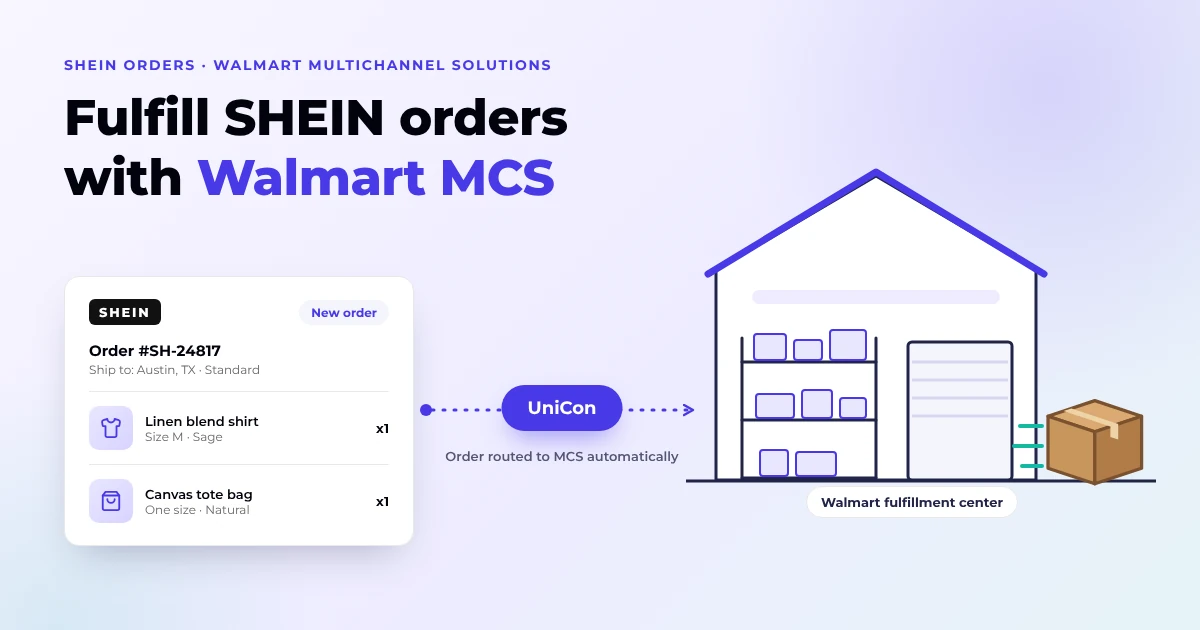
Reading Time: 13 minutes Q4 is a bad time to discover that expanding to another…
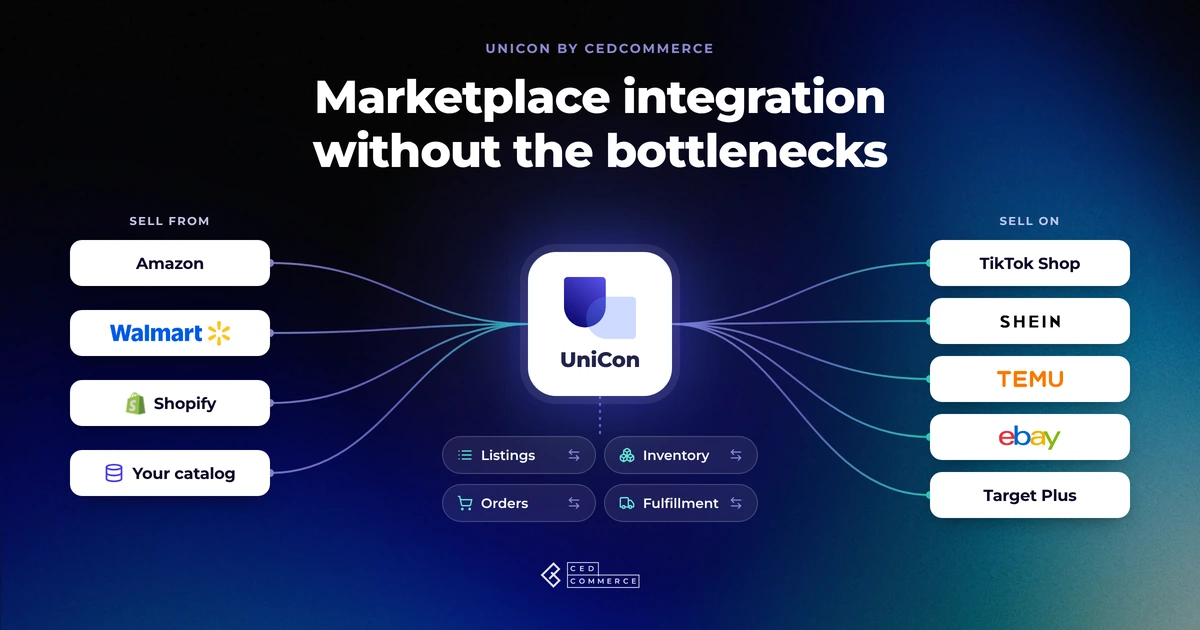
Reading Time: 13 minutes Selling on another marketplace sounds straightforward when you already have a…
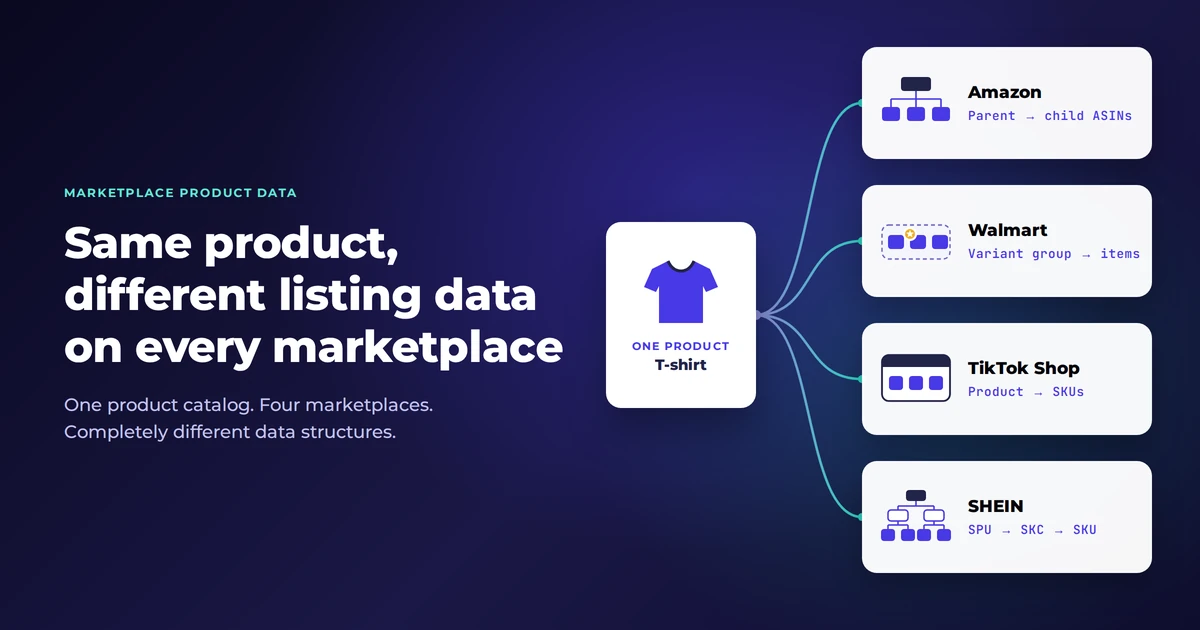
Reading Time: 11 minutes The same physical product can require a different listing structure on…
Reading Time: 15 minutes Your marketplace app does not sync continuously. It syncs on a…
Reading Time: 6 minutes Your marketplace stack may be connected, but your attention is still…
Reading Time: 10 minutes SHEIN Marketplace sellers work with two underlying fulfillment models: seller-managed fulfillment,…
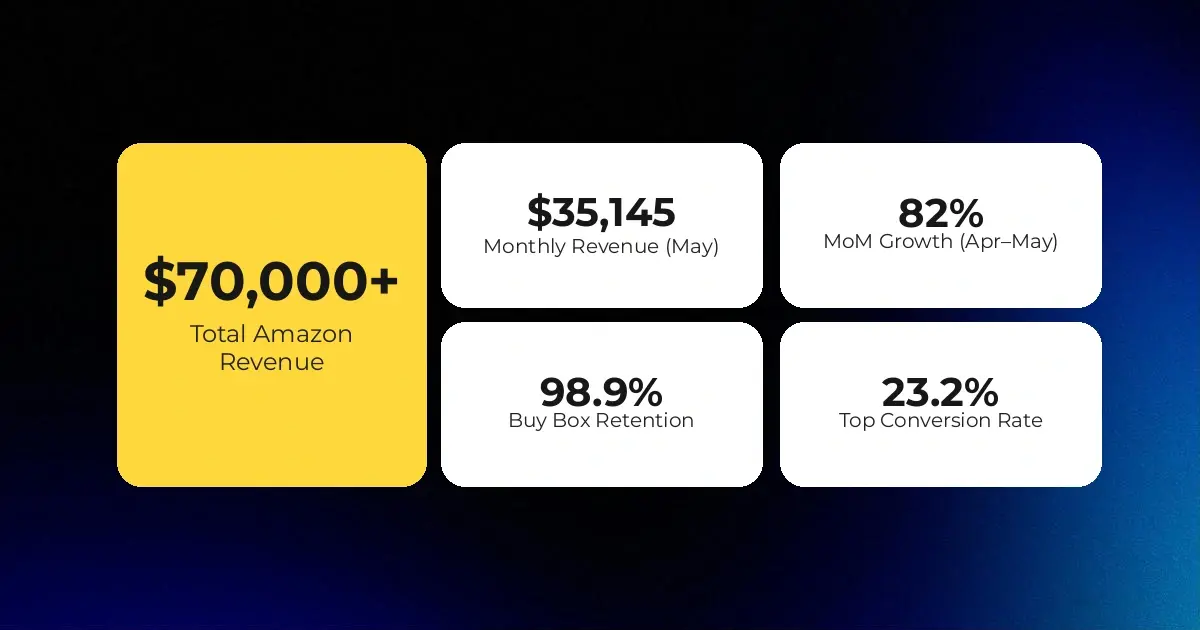
Reading Time: 3 minutes Section 1: About the Client Milky Mama is a leading maternal…

Reading Time: 1 minuteIntro Summary Shopify Scripts stopped executing entirely on June 30, 2026. Merchants…
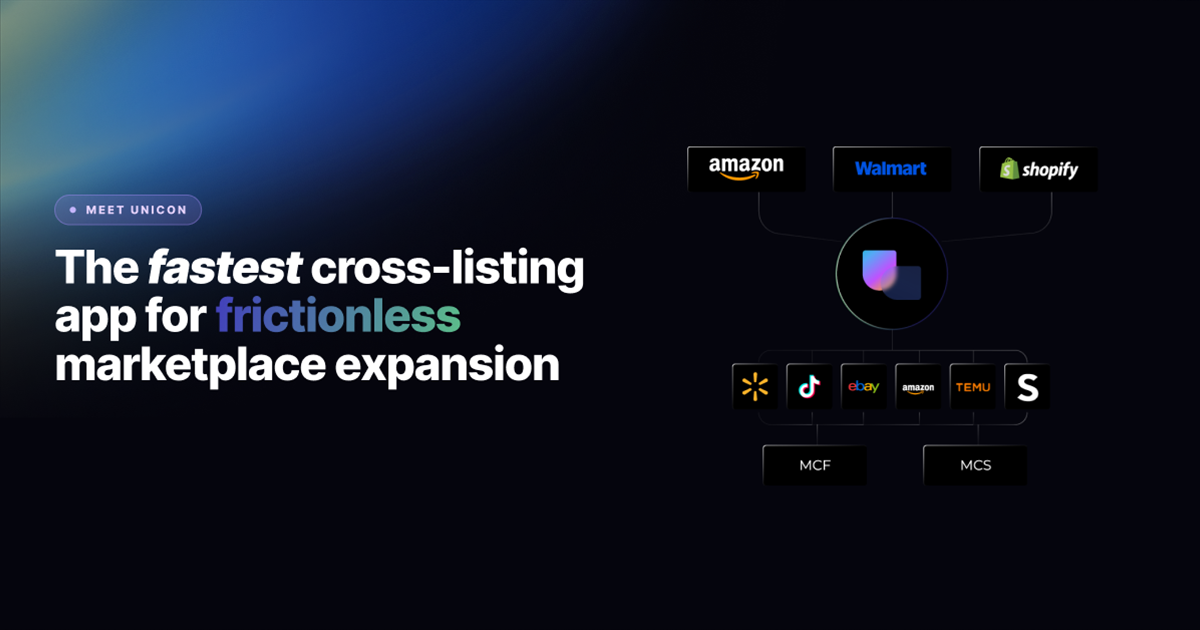
Reading Time: 9 minutes Your buyers are not shopping in one place anymore. They search…
Reading Time: 8 minutes If you’ve been running your Etsy store through Shopify Marketplace Connect,…