
Amazon MCF Vs Walmart MCS for Temu, SHEIN and TikTok Shop: What is the right choice?
Reading Time: 9 minutes Amazon MCF and Walmart MCS both name Temu, SHEIN and TikTok…

Running short of time? Get PDF of the blog in your mail.
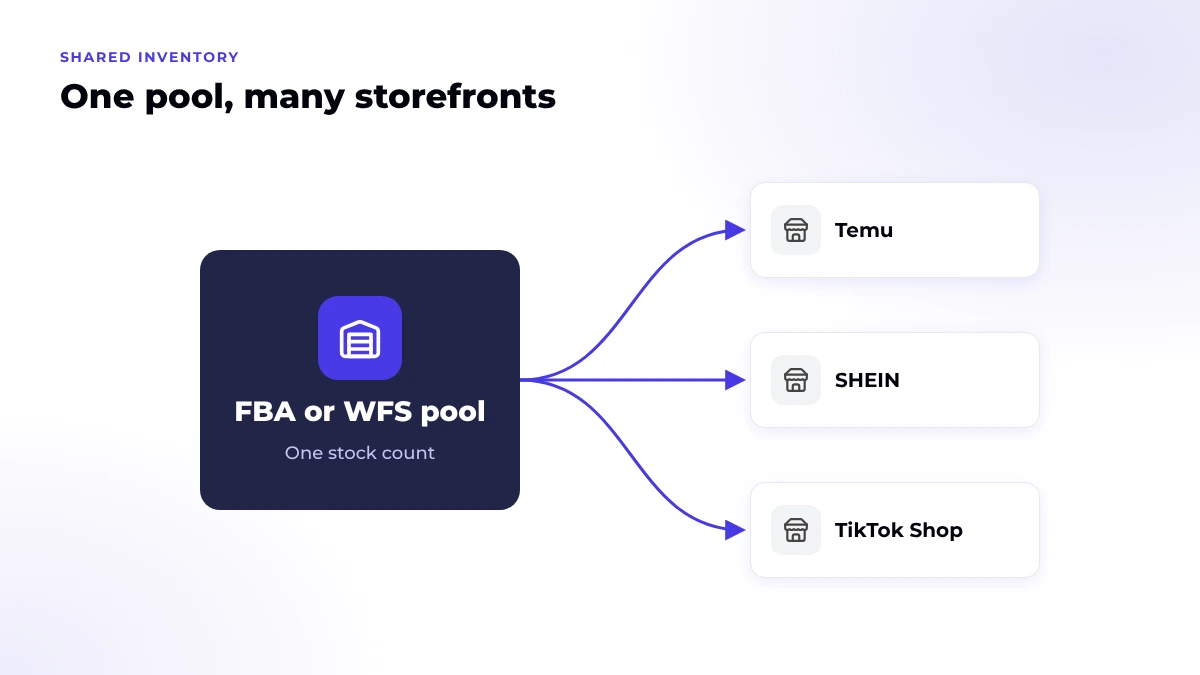
When one Amazon FBA or Walmart WFS inventory pool also sells on Temu, SHEIN and TikTok Shop, every storefront shows its own copy of one number. You oversell when any copy is wrong or late. To prevent overselling, give each SKU one source of truth and send each channel sellable stock, not total stock. Then hold back a buffer sized to your real sync delay.
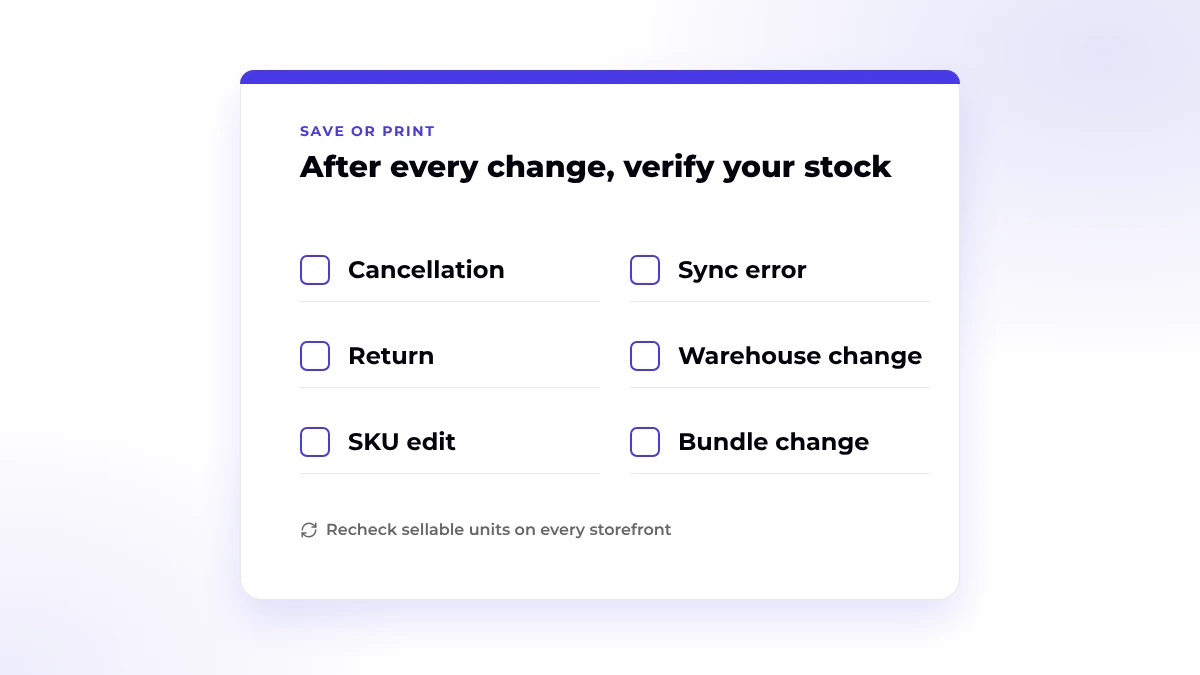
After that, recheck the count after every cancellation, return, SKU edit and sync error. Each of those events can change a count without a new sale.
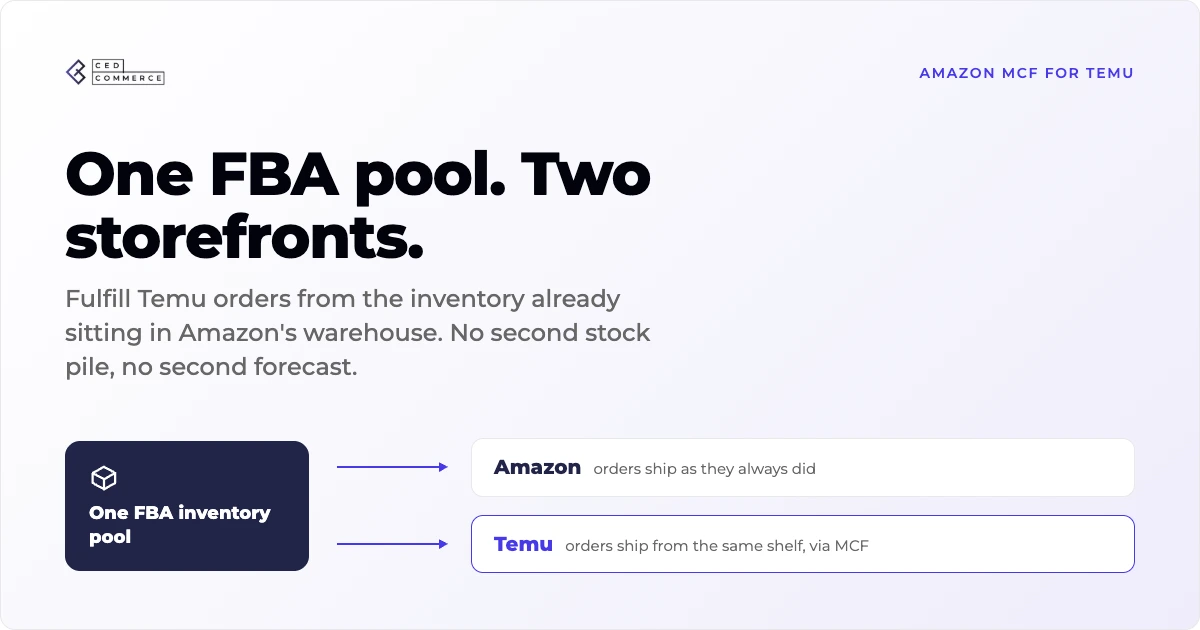
Two programs let one pool ship orders from other channels. Amazon Multi-Channel Fulfillment (MCF) ships non-Amazon orders from the same inventory that FBA uses for Amazon orders. Walmart Multichannel Solutions (MCS) does the same with WFS inventory.
Walmart names SHEIN, Temu and TikTok Shop as MCS channels, as long as the orders comply with each channel’s terms. Eligibility, fees and setup differ by program and marketplace. For that decision, read our comparison of Amazon MCF and Walmart MCS for Temu, SHEIN and TikTok Shop.
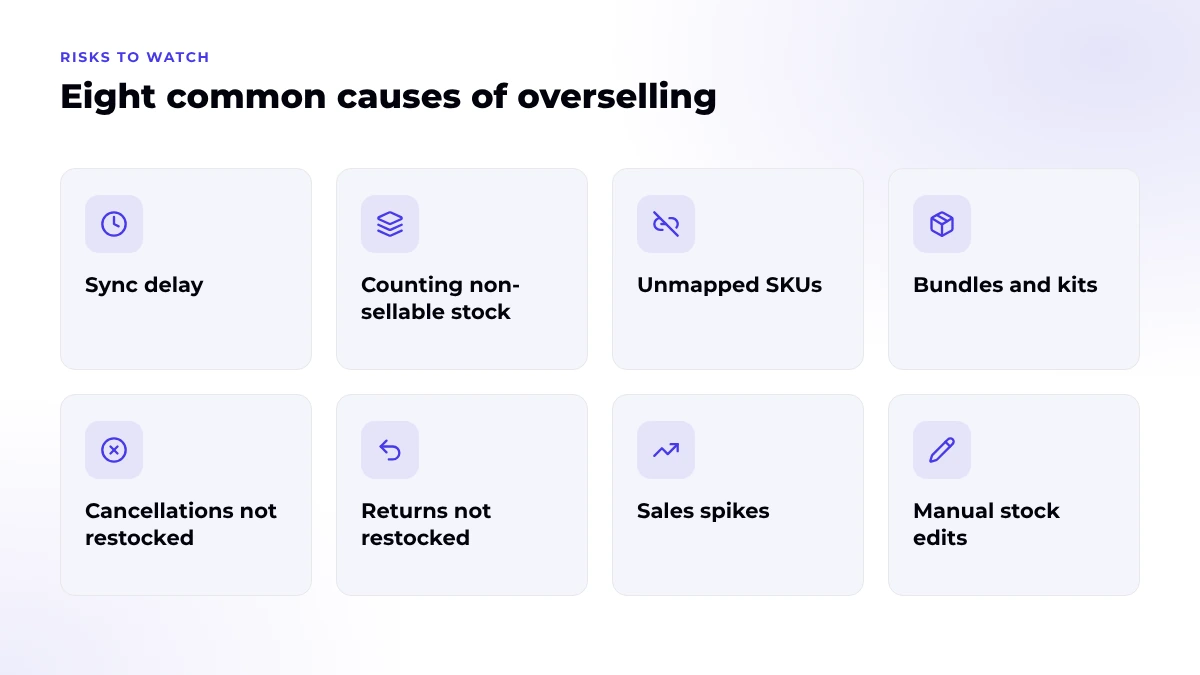
Shared inventory oversells when a storefront displays units the pool can no longer ship. These are the eight gaps that create that mismatch.
On TikTok Shop, an oversold order counts against your account health. TikTok lists “out of stock cancellation” as a seller-fault cancellation, and its US policy requires a Seller-Fault Cancellation Rate (SFCR) of 2.5% or lower.
Going above 2.5% can mean Account Health Rating point deductions, lower visibility, longer settlement periods or order volume limits. TikTok’s fulfillment policy also says your listed inventory should match stock that’s ready to pick, pack and ship.
Temu and SHEIN set their own cancellation and performance rules. Check the current terms in each Seller Center before you set a buffer for those channels.
Use this table as a quick audit. Each row pairs a risk with the signal that shows up first.
| Risk | Warning sign | Preventive action |
|---|---|---|
| Total stock sent as sellable | A channel shows more units than your fulfillable or available-to-sell count | Map each channel to the sellable field in the source system |
| Slow order sync | Two channels accept orders for the last units | Time the delay and size a buffer to it |
| Broken SKU mapping | A listing shows zero, or a count that doesn’t match the source | Retest the mapping after every listing or SKU edit |
| Two tools writing one pool | Counts jump or flip back and forth | Give one system write access per SKU |
| Cancels and returns out of sync | A cancelled unit stays unavailable, or a return shows before inspection | Check the order status and the stock adjustment in both systems |
| Campaign or creator holds | Other channels sell units that TikTok Shop has locked | Feed other channels from available stock after holds |
| Bundle math | A bundle stays live after one part sells out | Calculate bundle stock from the limiting component |
| Silent stock drops | Listings keep selling after an expiry removal or warehouse change | Review warehouse links and listing status after any change |
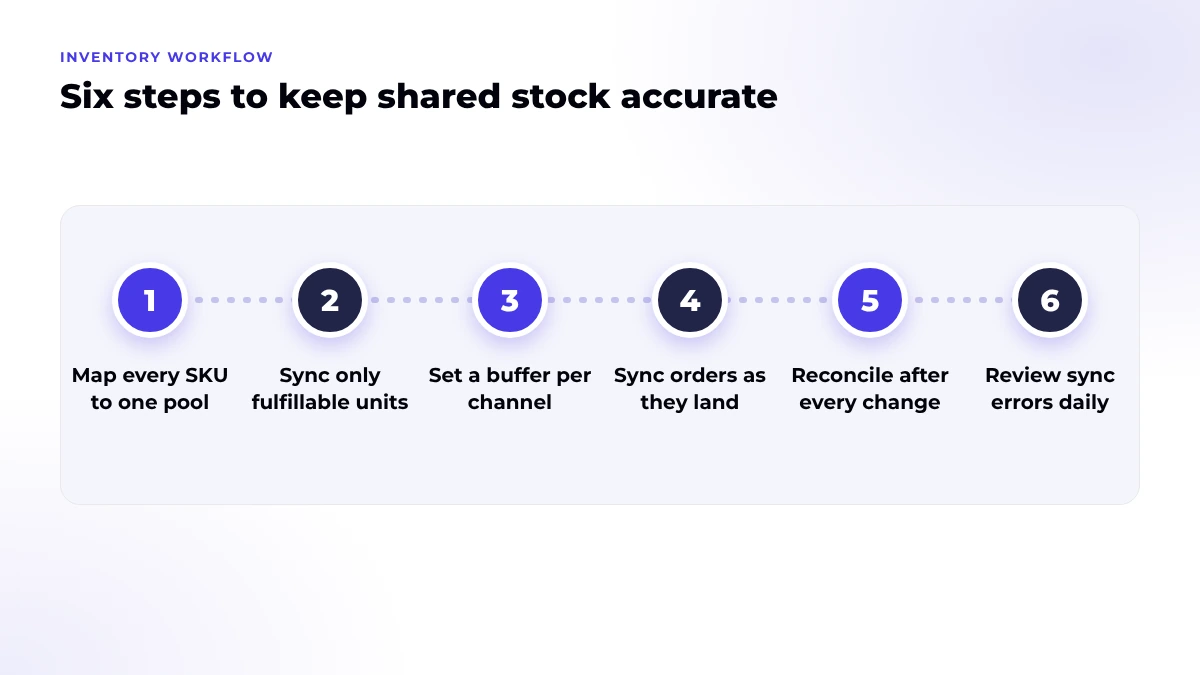
Run these six steps for every SKU that shares an FBA or WFS pool. Start with your fastest sellers.
Decide which system owns the count for each SKU. Every other system reads from it and never writes its own number.
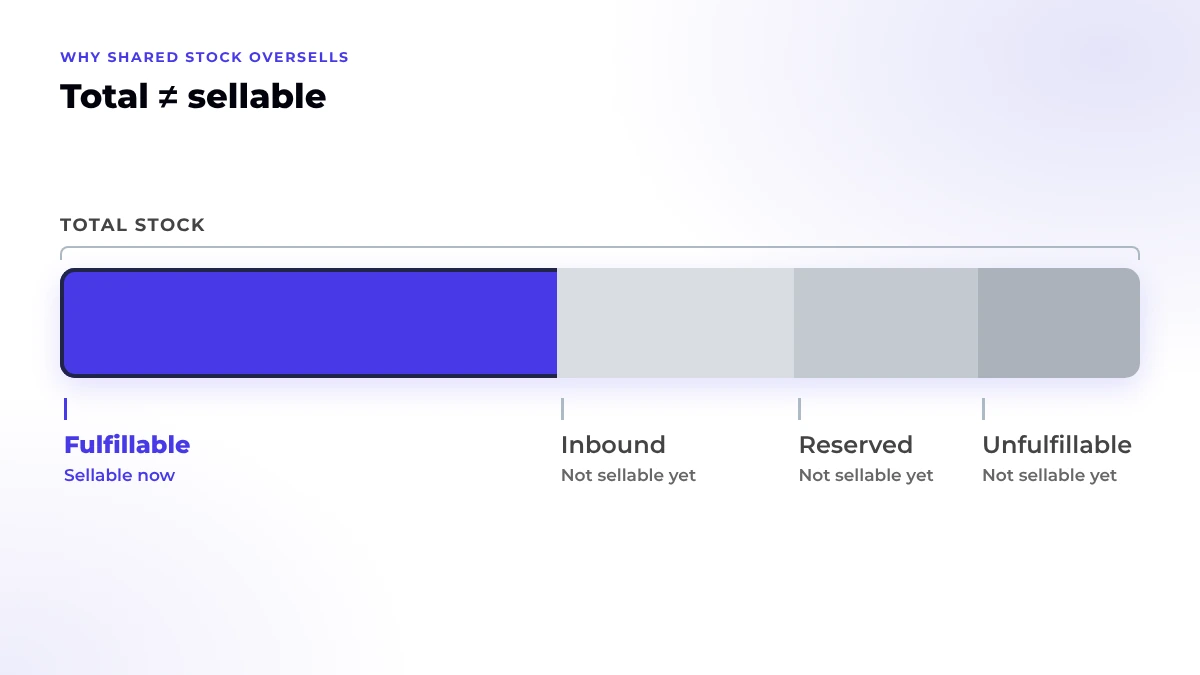
On Amazon, use fulfillable units only. On Walmart, Walmart’s MCS order guide says to confirm a SKU’s available-to-sell (ATS) quantity is above zero before you create an order.
Walmart reserves WFS inventory only after an MCS order passes its delivery-promise check. If the check fails, Walmart creates no order and reserves nothing. That means a marketplace order can exist with no WFS units behind it.
Retest each link after listing edits, SKU changes, new variations and reauthorizations. Confirm every marketplace listing points to the right source SKU.
Place a test order on one channel. Note when the order appears and when every other storefront shows the new count. The gap between the two is your delay.
Base thresholds on your replenishment lead time and sales pace. TikTok Shop lets you alert on quantity or days of supply, but it sends at most one stock alert per day. Treat that alert as a restock reminder, since it won’t hold orders for you.
Run one SKU through an order, a cancellation and a return. Check the listing count and order status on every channel at each step, then scale to the rest of the catalog.
One catalog. Every storefront.
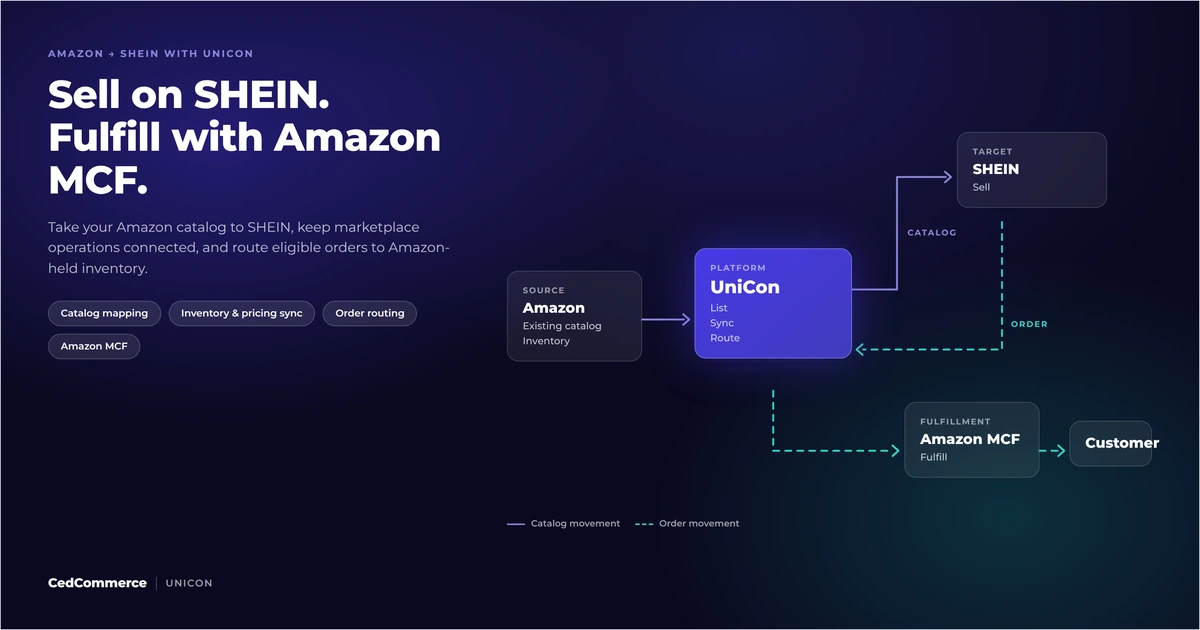
UniCon syncs listings and inventory from Amazon, Walmart or Shopify to TikTok Shop, SHEIN and Temu, then routes orders through Amazon MCF or Walmart MCS.
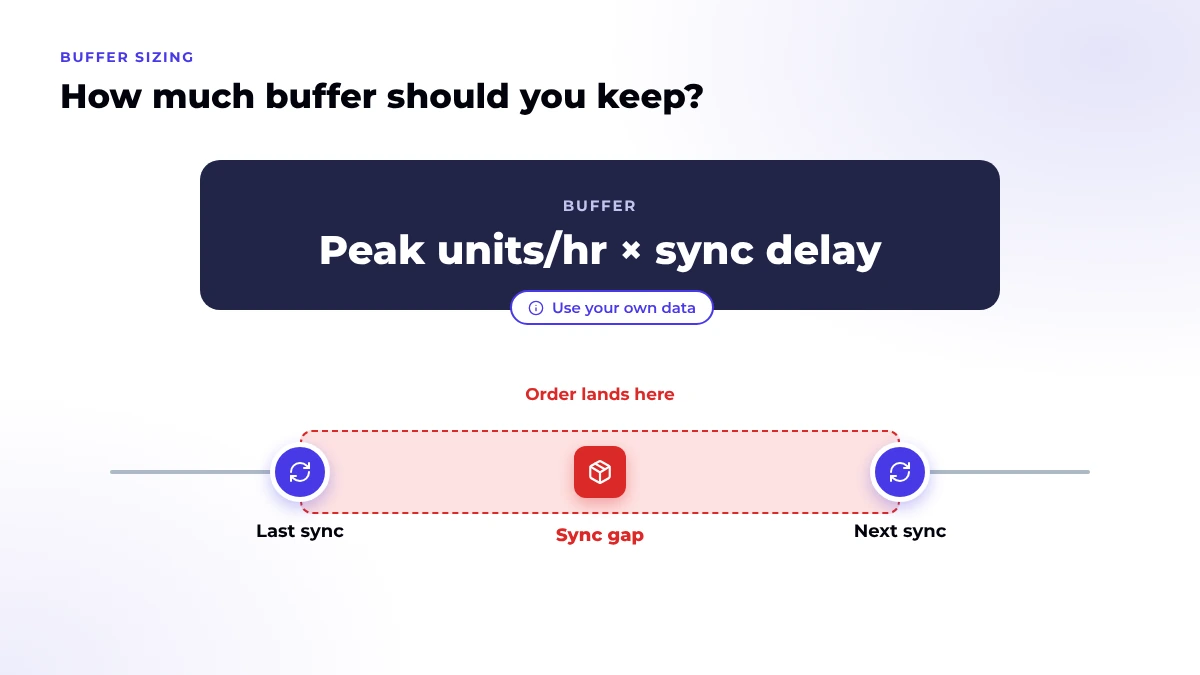
Keep enough units to cover what you sell during your slowest sync. This starting formula is an editorial method, not a marketplace rule:
Buffer units = peak units sold per hour × longest observed sync delay in hours
Use peak hours, not daily averages, because oversells happen during spikes. Then weigh the buffer against what a hidden unit costs you in missed sales. Recalculate before every promotion and whenever your sync setup changes.
A separate stock pool beats a bigger buffer in some cases. Two examples: a TikTok Shop campaign that needs guaranteed units, or a channel whose sync delay you can’t predict. On Walmart, you can set items to sell only on off-Walmart channels, per the MCS program page. Record which pool owns each SKU so no one counts the same units twice.
Every number in this example is hypothetical.
A seller has 40 units of a SKU in FBA. The SKU sells on Amazon, on TikTok Shop through an MCF warehouse, and on Temu. Seller Central shows 34 fulfillable units and 6 reserved.
A creator video then sells 8 units on TikTok Shop in 90 minutes, leaving 26 sellable units in the pool. Temu still shows 24 until the next sync, and the pool can cover that.
Amazon’s own listing is the weak spot. It keeps offering 34 units until the connector creates MCF orders for those 8 sales, so time your order handoff to MCF the same way you time your inventory sync.
Check the count after each of these events, because each one can move stock without a new order.
If TikTok Shop shows zero or the wrong count, work through our TikTok Shop sync errors and fixes. If you sell on SHEIN through the MCF app, our guide to SHEIN fulfillment options covers how that route works.
Getting oversells you can’t trace?
Walk through your FBA or WFS setup with a CedCommerce expert. Bring one problem SKU, and we’ll trace where its count drifts across Temu, SHEIN and TikTok Shop.
UniCon gives you one place to manage the catalog and inventory behind those storefronts. It syncs product data, listings, inventory and pricing from Shopify, Amazon or Walmart to target channels including TikTok Shop, SHEIN and Temu.
For fulfillment, UniCon routes SHEIN, TikTok Shop and Temu orders through Amazon MCF or Walmart MCS and pushes tracking back to each channel. How often inventory syncs depends on your plan, so plug your plan’s interval into the buffer formula above. Details are on the UniCon multichannel connector page.
A marketplace accepts an order using a count that no longer matches sellable stock. The usual causes are slow syncs, broken SKU links, reserved units shown as free and two tools updating one pool.
Yes. TikTok Shop counts out-of-stock cancellations as seller-fault cancellations. Its US policy requires an SFCR of 2.5% or lower, and a breach can trigger account health deductions or order limits.
Keep at least what you sell at peak during your longest sync delay. No marketplace sets a universal number, so size it from your own order and sync data and recheck it before big promotions.
Yes, through Amazon MCF and a supported integration. Amazon names all three channels, and its SHEIN app covers US addresses only. Confirm current requirements for each marketplace before you connect your pool.
Walmart returns the reserved units to WFS for every line it can cancel. Lines that have shipped or locked stay unchanged, so check them by hand.

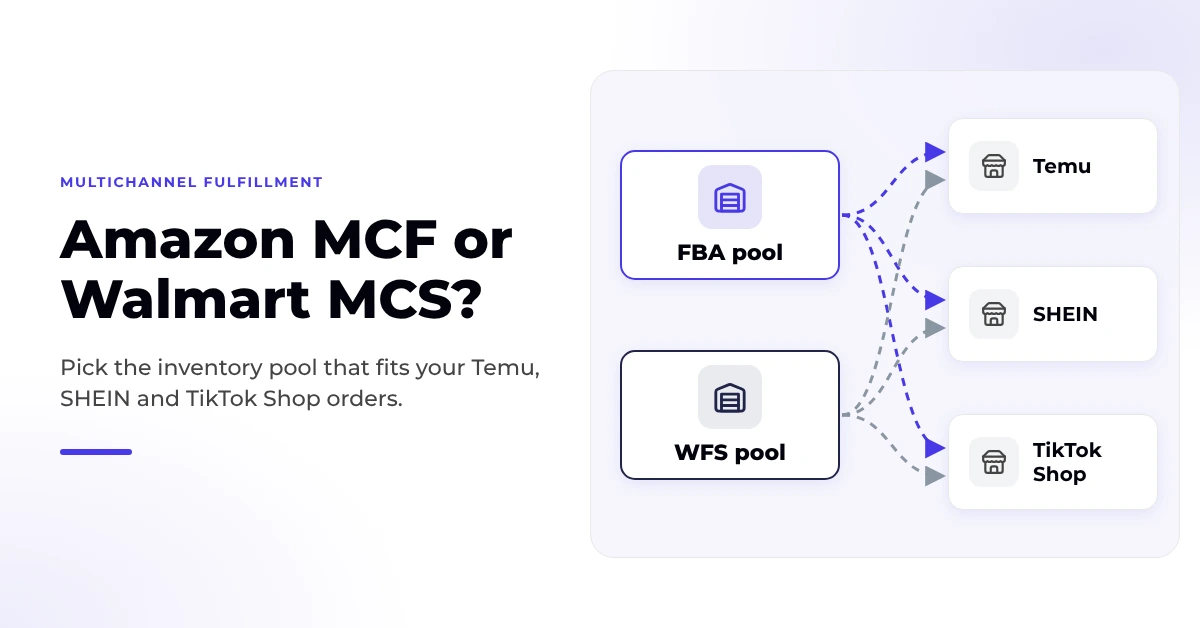
Reading Time: 9 minutes Amazon MCF and Walmart MCS both name Temu, SHEIN and TikTok…
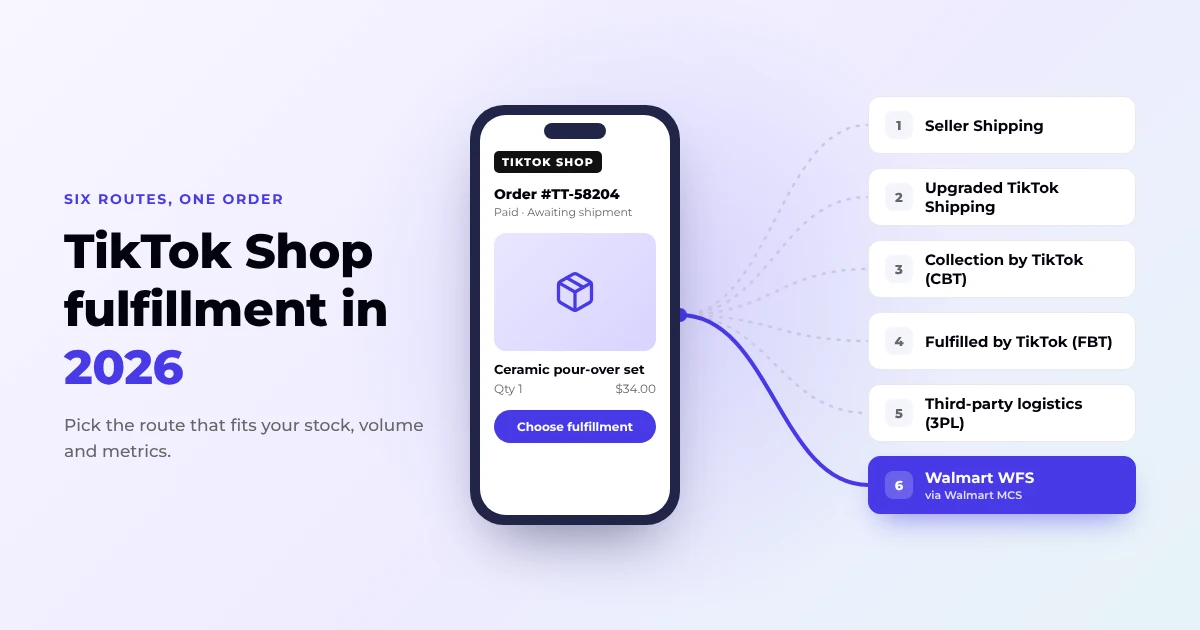
Reading Time: 14 minutes TikTok Shop fulfillment in the US now comes down to six…
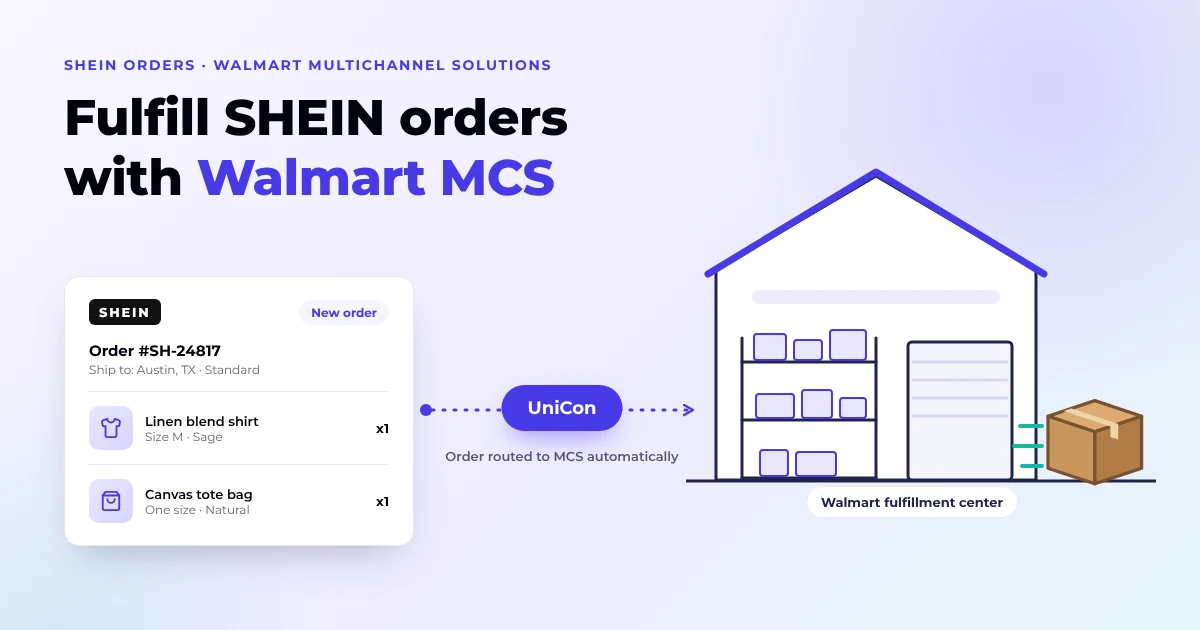
Reading Time: 13 minutes Q4 is a bad time to discover that expanding to another…
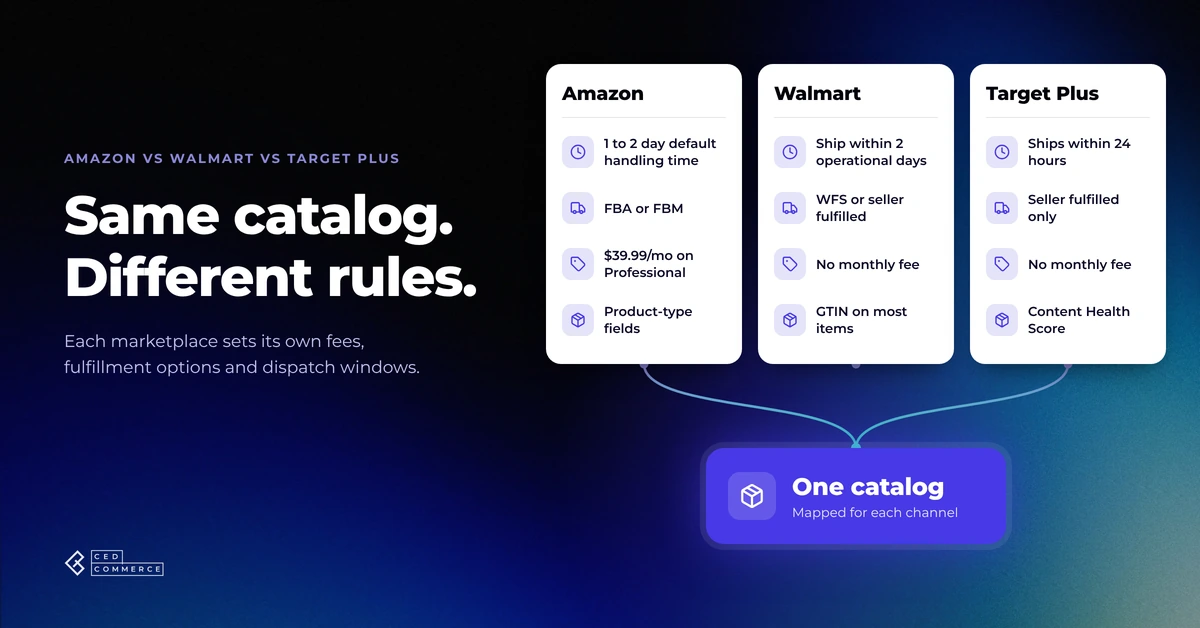
Reading Time: 11 minutes If you already sell on Amazon, adding Walmart or Target Plus…
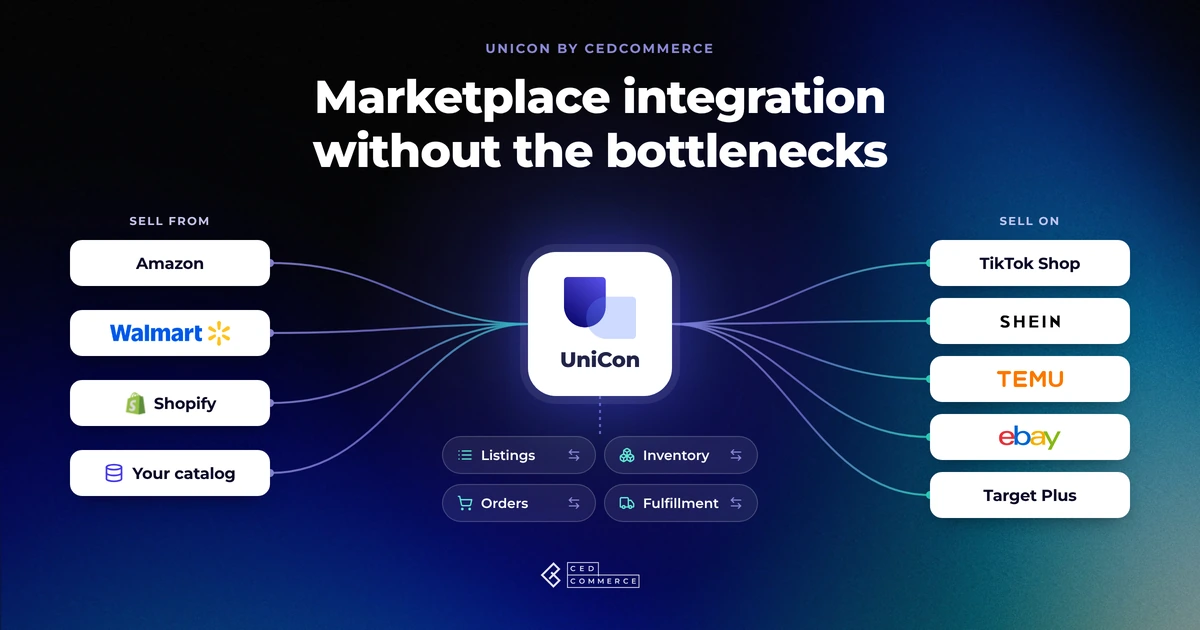
Reading Time: 13 minutes Selling on another marketplace sounds straightforward when you already have a…
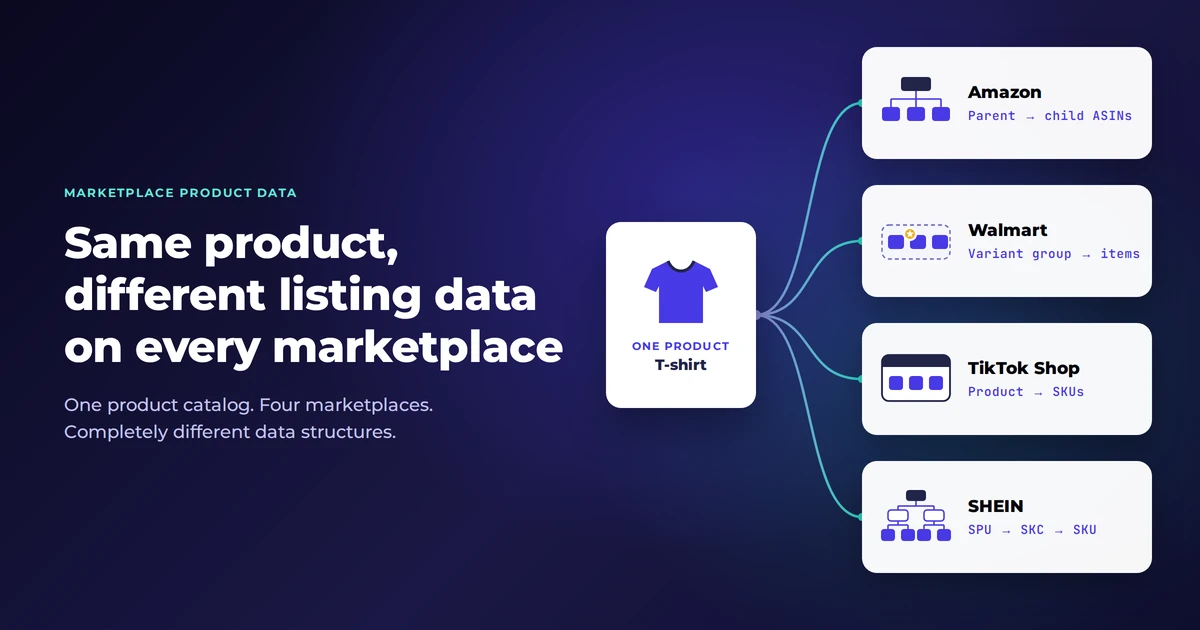
Reading Time: 11 minutes The same physical product can require a different listing structure on…
Reading Time: 12 minutes Looking to sell on SHEIN from Amazon? You could potentially tap…
Reading Time: 15 minutes Your marketplace app does not sync continuously. It syncs on a…
Reading Time: 19 minutes Ever wondered if your FBA inventory could turn Amazon into a…

Reading Time: 18 minutes If you’re an established third-party brand or authorized reseller looking for…