
CedCommerce Apps Are Now Available in Shopify Sidekick
Reading Time: 6 minutes Your marketplace stack may be connected, but your attention is still…
Running short of time? Get PDF of the blog in your mail.
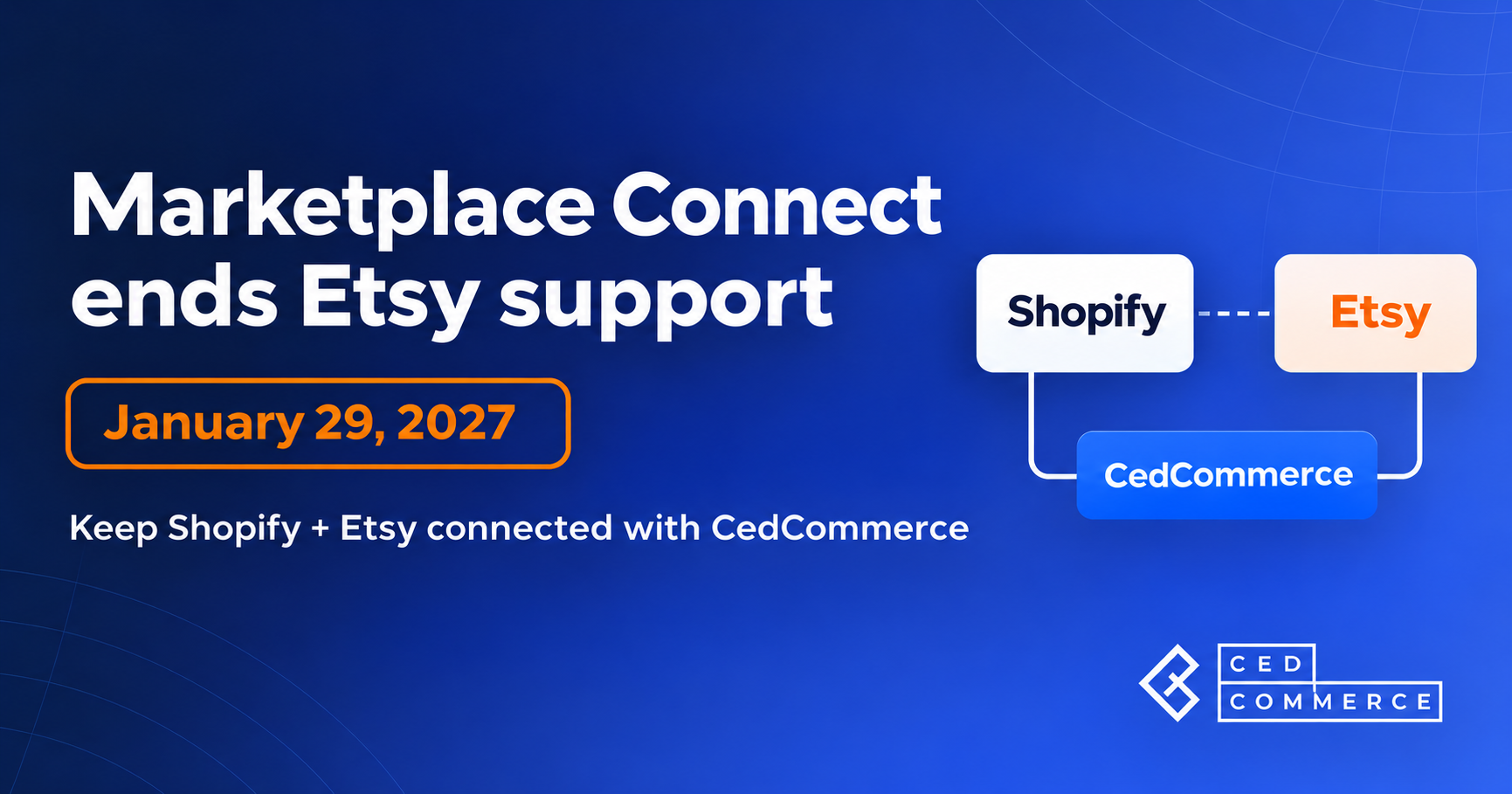
Shopify Marketplace Connect is ending its Etsy connection. The email notice GeekSeller reproduced lists January 29, 2027, as the cutoff for syncing Etsy orders, inventory, and listing updates with Shopify. Its dedicated support notice also announces the withdrawal. If you’re looking for a Shopify Marketplace Connect Etsy alternative, start with the listings you already sell. Check how a replacement will link those listings to Shopify and handle your next Etsy order before you move the full catalog.
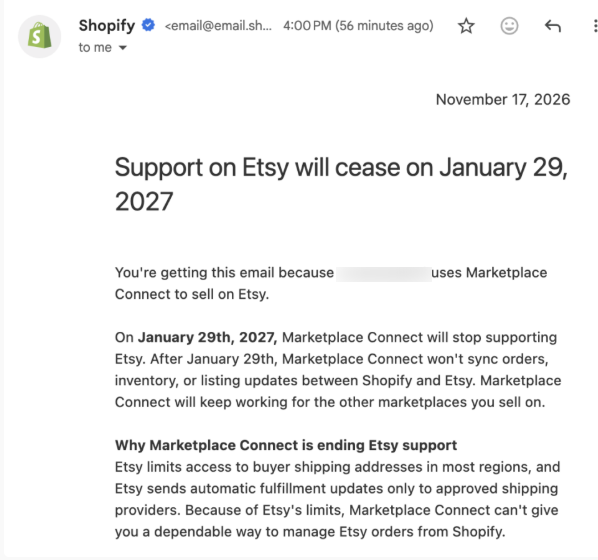
Existing Marketplace Connect users who connect an Etsy shop to Shopify need to review their setup. Shopify had already stopped accepting new Etsy connections; its general Marketplace Connect documentation still describes existing access, while the dedicated notice gives the coming cutoff.
Check which work you currently depend on the app to perform:
| Your current workflow | What to check before switching |
|---|---|
| Etsy orders appear in Shopify | Whether the replacement creates the orders you need and how it handles orders already imported |
| Both shops draw from shared stock | Which store supplies the stock quantity and how Etsy sales reduce available inventory |
| Shopify changes update Etsy listings | Which fields should update, and which Etsy-specific content should stay under your control |
| Shopify fulfillment updates Etsy | Whether your seller location and shipping connection allow the required data exchange |
The announced withdrawal concerns the Etsy connection. It doesn’t announce the closure of your Etsy shop. Sellers using other Marketplace Connect channels should review those connections separately before uninstalling anything.
Marketplace Connect attributes the decision to Etsy’s restrictions on buyer shipping addresses and automatic fulfillment data. Etsy’s own third-party shipping guidance explains that access depends on seller location, the provider, and, in some cases, when the connection began.
This distinction matters when you evaluate another app. Connecting a catalog and accessing shipping data are separate checks. An app’s inventory or order-sync feature doesn’t establish that every shipping action will work for every shop.
Ask the replacement provider to check your ship-from country, current shipping app, connection history, and tracking workflow. If an automatic shipping action isn’t available, decide who will complete it in Etsy before switching.
A November 19 Reddit discussion asks where sellers plan to migrate. Replies also question the announcement’s source and point out that general Shopify help pages still describe existing Etsy connections.
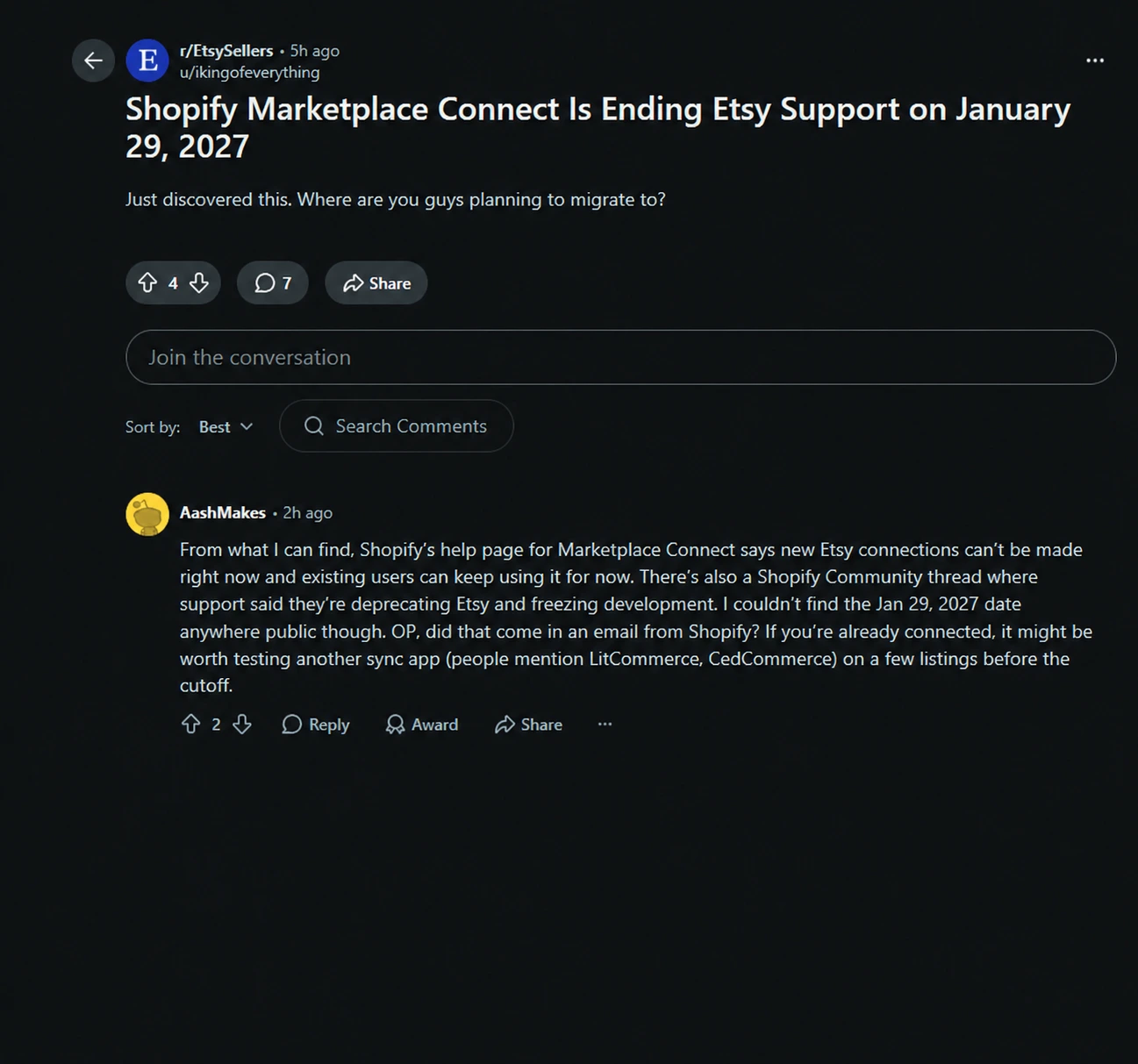
Those are useful buying questions: where is the notice, what exactly needs replacing, and can the next app support the existing shop? The dedicated support article above answers the announcement question. A test of your own catalog and order flow should answer the migration question.
Yes. Marketplace Connect’s migration notice includes CedCommerce Etsy Marketplace Integration among its replacement options. That gives you a documented option to assess for your Shopify and Etsy setup.
The CedCommerce Etsy Integration app listing carries the Built for Shopify badge and describes automatic product linking, inventory updates, pricing, and order sync. Feature access depends on your plan and settings.
For an existing seller, the first useful feature is linking. CedCommerce’s existing-listing documentation says products can link automatically when SKUs or titles match, and variant counts agree. You can manually link products that don’t match automatically.
Use that process to connect the listings you already have. Review every variant before publishing products or applying bulk changes. A matching product title alone isn’t a reason to assume the size and color combinations are correct.
CedCommerce documents two order-management modes. Manage Orders creates Etsy orders in Shopify. Manage Inventory accounts for Etsy sales in Shopify stock without creating those orders in Shopify; only one mode can be active at a time. See the order-management settings and inventory-only workflow.
Choose based on where you fulfill orders. If a warehouse expects a Shopify order, inventory-only mode won’t provide that order. If another system already handles fulfillment, check whether importing it again would duplicate work.
Already selling through Marketplace Connect? Share your catalog size, order volume and shipping setup with CedCommerce to check the right migration path. Ready to configure it yourself? Install the Etsy Integration.
Treat the switch as a change to your live order flow. The checklist below is our recommended migration procedure; it isn’t a promise of automatic transfer of Marketplace Connect settings or historical orders.
Export the product records you need from both stores and record your Etsy listing IDs alongside Shopify products and variant SKUs. Keep a separate list of open Etsy orders and note which already exist in Shopify.
Save your current inventory rules, shipping profiles, listing-field choices, and fulfillment routing. These records give you something concrete to compare against after the switch.
Give CedCommerce your listing count, typical monthly Etsy order volume, and number of shops. Include your ship-from country and fulfillment provider so the team can check the whole workflow.
Don’t choose a plan solely because its listing allowance fits. Order limits and the direction of inventory updates matter too. Confirm the current subscription details in the app before paying.
Marketplace Connect’s notice directs sellers to disconnect Etsy through Marketplace Connect > Settings > Disconnect account before connecting a replacement. Review the account you’re disconnecting and coordinate the changeover with support if you use other channels.
Shopify’s setup guidance warns that overlapping connector apps can cause data conflicts. But since CedCommerce’s Etsy Integration is an embedded application (i.e., runs within your Shopify environment), it handles all possible data conflicts easily.
Plan one active connection for the Etsy workflow and keep the gap between connections short enough to monitor orders manually.
Install CedCommerce, authorize the correct Etsy shop, and import the relevant Shopify products. Fetch the existing Etsy listings and review their links. Use the product-linking guide for unmatched items.
Start with a small group that includes your harder products: a multi-variant item, a low-stock item, a personalized product, or a made-to-order listing. Check the product settings before sending updates to Etsy.
Before widening the rollout, check:
Reconcile orders that arrived during the changeover against both systems. Keep checking Etsy directly until you’ve verified the new workflow, including any failed-sync queue. Don’t re-import old orders without checking whether Shopify already contains them.
Choose a plan around the work Marketplace Connect currently does for you. CedCommerce’s pricing documentation lists the following monthly USD tiers:
| Plan | Monthly price | Listed allowances and migration considerations |
|---|---|---|
| Beginner | $9 | Up to 10 product listings; Shopify-to-Etsy inventory sync; excludes order sync |
| Beginner Plus | $29 | Up to 200 product listings and 100 Etsy orders per month |
| Growth | $59 | Up to 1,000 product listings and 500 orders per month; includes Etsy-to-Shopify inventory and fulfillment sync |
| Growth Plus | $99 | Up to 10,000 product listings and 1,000 orders per month |
| Enterprise | Custom | Custom limits and support for higher-volume requirements |
These are the published support-page figures checked on November 19, 2026. Confirm current availability, feature access, and billing in the app. The Shopify App Store can display prices in your local currency.
For a seller replacing an order-management workflow, the $9 Beginner plan won’t cover that requirement. If you also need Etsy sales reflected back in Shopify inventory, check the Growth-level functionality with the team before choosing your plan.
If you’re reviewing how the rest of your catalog reaches other targeted marketplaces, assess that requirement separately. CedCommerce’s UniCon is a multichannel product for managing catalog and order operations across multiple supported marketplaces. It helps you take your existing catalog to multiple marketplaces (while maintaining compliances and rules) without needing you to rebuild your catalog!
Explore UniCon for broader marketplace operations, including supported connections to Walmart and TikTok Shop. Check your source store and target channels with the team.
Shopify has already stopped accepting new Etsy connections through Marketplace Connect and has announced the end of existing Etsy support. The reproduced email says January 29, 2027, while the dedicated help page also contains a January 27 reference. Confirm your cutoff with Marketplace Connect support and complete testing ahead of the earlier date.
CedCommerce supports linking existing Etsy listings to Shopify products, so you can use that route instead of creating another copy of the same listing. Matching SKUs or titles and matching variant counts support automatic linking; unmatched products need manual review. Verify the links and update settings before publishing or applying bulk changes.
Yes. CedCommerce documents a Manage Inventory mode that accounts for Etsy sales in Shopify stock without creating those orders in Shopify. Its Manage Orders mode creates Etsy orders in Shopify instead. Confirm plan access and choose the mode that matches your fulfillment process.
CedCommerce’s pricing documentation lists order syncing from Beginner Plus, with up to 100 Etsy orders per month; Beginner excludes it. Growth and higher plans provide larger allowances, and the documentation places Etsy-to-Shopify inventory and fulfillment sync at Growth or above. Check your required sync direction and current plan details before subscribing.
Shipping automation depends on Etsy’s rules for your seller location, provider, and connection history. Ask CedCommerce to confirm your specific shipping workflow before you switch, even if product and inventory sync meet your needs. Where Etsy restricts an action, you need a supported shipping connection or a manual process.

Reading Time: 6 minutes Your marketplace stack may be connected, but your attention is still…
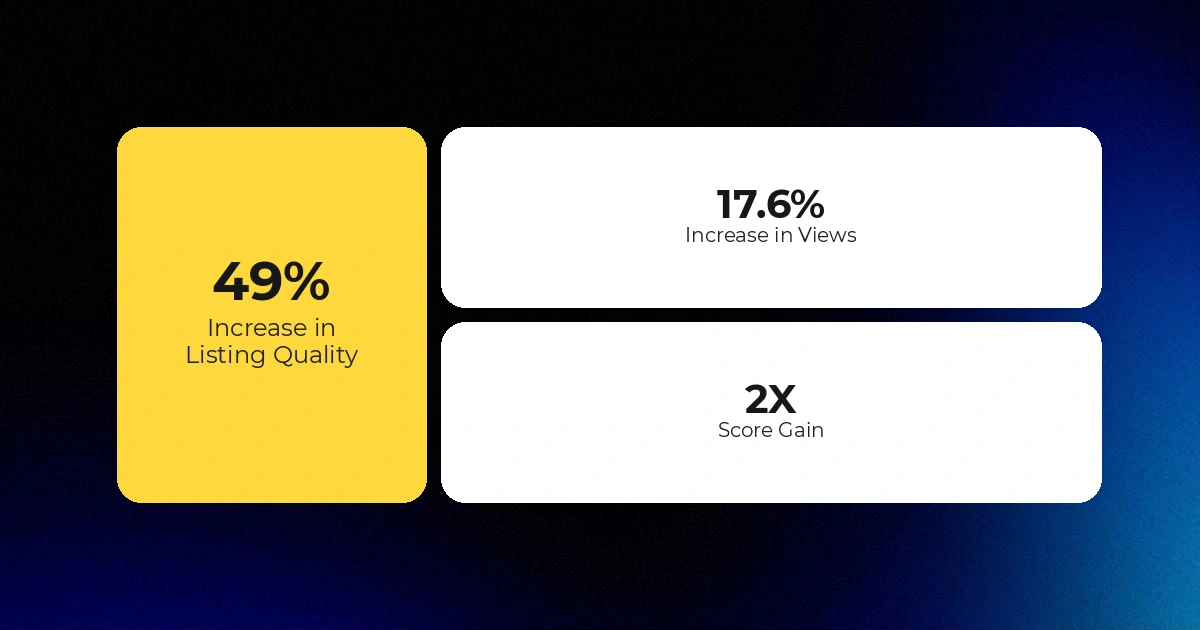
Reading Time: 3 minutes Section 1: About the Client ShopLogOX is a Vermont-based Etsy shop…

Reading Time: 4 minutes Etsy has introduced listing-level strategies for Etsy Ads, giving sellers more…
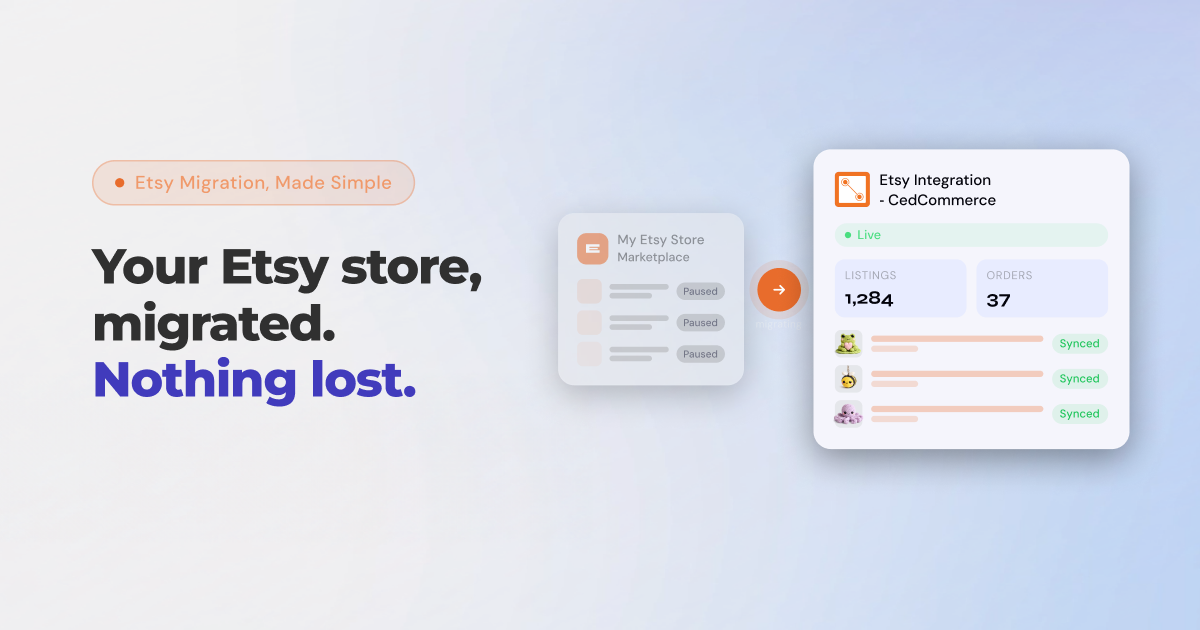
Reading Time: 8 minutes If you’ve been running your Etsy store through Shopify Marketplace Connect,…
Reading Time: 3 minutes Etsy is updating its Purchase Protection programme from 7 May, and…

Reading Time: 12 minutes From Etsy policy changes, such as fees and payments, to creativity…
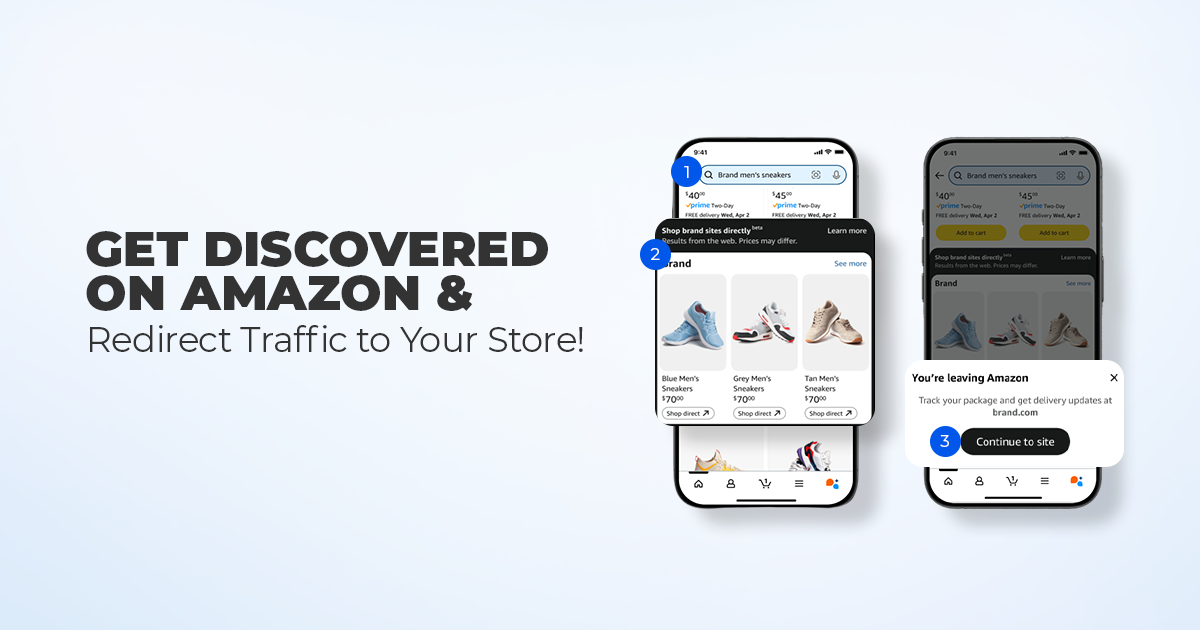
Reading Time: 11 minutes What if reaching hundreds of millions of Amazon customers didn’t mean…

Reading Time: 4 minutes eBay has agreed to acquire Depop from Etsy in an all-cash…

Reading Time: 3 minutes A February, 2026 market update from SNS Insider projects that the…

Reading Time: 13 minutes Print on demand on Etsy is no longer a low-effort side…