
CedCommerce Apps Are Now Available in Shopify Sidekick
Reading Time: 6 minutes Your marketplace stack may be connected, but your attention is still…
Running short of time? Get PDF of the blog in your mail.
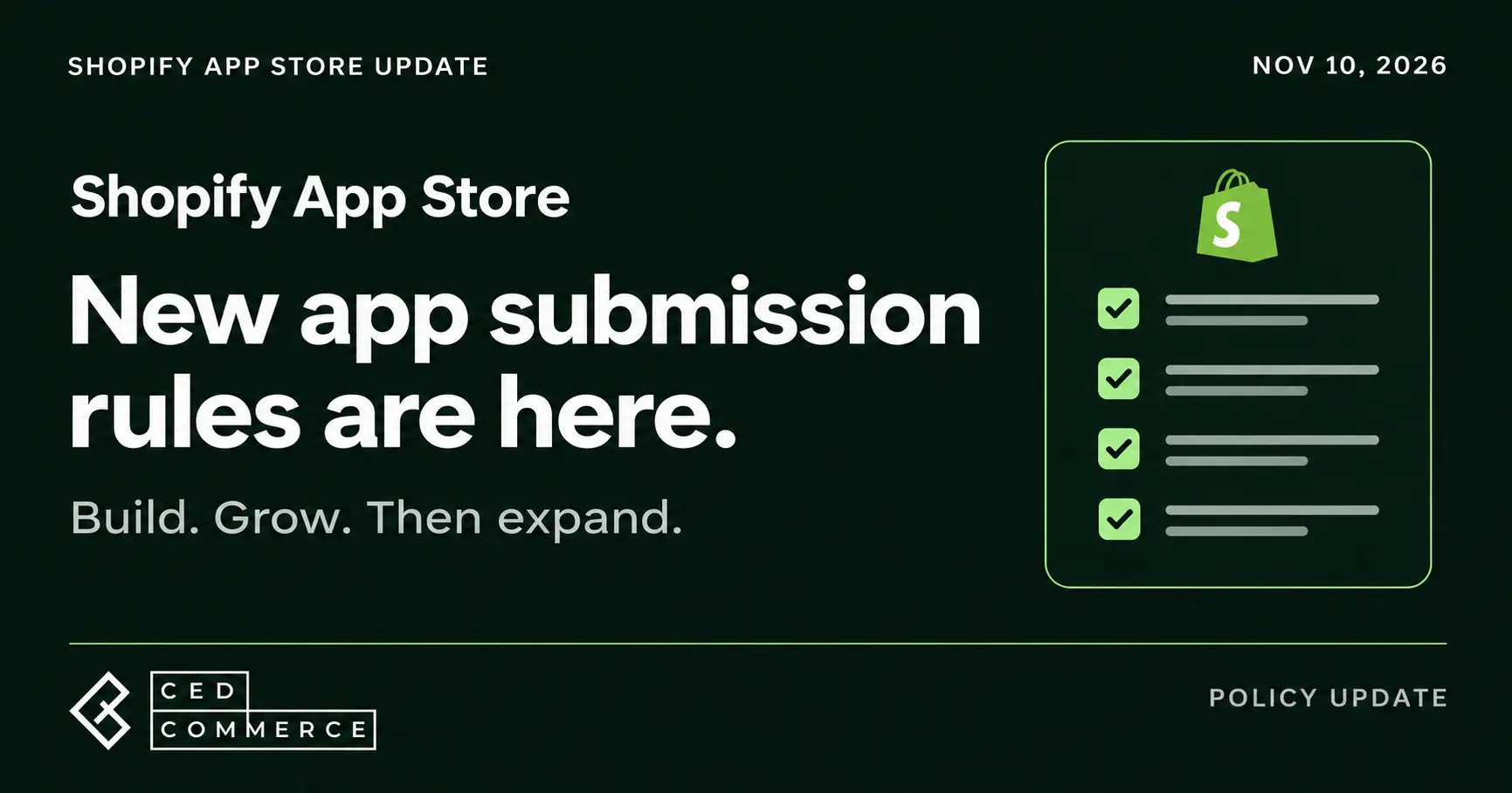
Shopify has tightened its App Store submission requirements, effective November 10, 2026. Developers now face adoption thresholds before adding apps, longer waits after repeated rejections, and identity verification for new submissions. Apps with no installs also face removal. For merchants choosing software to run their stores, the intent is straightforward: an App Store with apps that merchants actually use.
Shopify’s official announcement introduces four changes:
The 10-install threshold refers to stores paying for Shopify, not merchants paying for the app. Development stores and free-trial stores don’t count. Developers without published apps don’t need to meet this threshold for their first submission.
These rules sit alongside Shopify’s existing review requirements. Before submitting:
Treat reviewer feedback as a reason to retest the entire app. A fix that introduces another error can delay your launch again.
CedCommerce’s UniCon: Multichannel Listing offers a practical reference. Its listing explains which marketplaces sellers can connect, describes inventory and order syncing, and includes screenshots of the dashboard and attribute mapping. Merchants can also inspect reviews before installing.
The lesson for app teams: help merchants understand what they can do with your app before asking them to install it. For sellers comparing tools, look for specific workflows and screenshots that match your daily operations.
If Shopify places your app in a cooldown, you must wait until the date shown in its status banner. Use that time to address feedback and test your fixes. Repeat cooldowns get longer.
It moves apps with no active installs back to Draft after six months or more since their most recent publication. Developers must wait 90 days before resubmitting, and the app goes through review again.

Reading Time: 6 minutes Your marketplace stack may be connected, but your attention is still…

Reading Time: 4 minutes Amazon Prime Day 2026 helped drive more than $26.4 billion in…

Reading Time: 1 minuteIntro Summary Shopify Scripts stopped executing entirely on June 30, 2026. Merchants…

Reading Time: 1 minuteIntro Summary France has passed a revised fast-fashion law aimed at regulating…

Reading Time: 2 minutes Intro Summary The European Union’s new €3 customs duty on low-value…
Reading Time: 2 minutes Amazon has announced a major catalog optimization change that will impact…
Reading Time: 3 minutes SHEIN has launched a new product safety and quality compliance training…

Reading Time: 4 minutes Etsy has introduced listing-level strategies for Etsy Ads, giving sellers more…

Reading Time: 4 minutes Walmart Expands Scrutiny on Product Claims Across Marketplace Listings Walmart Marketplace…
Reading Time: 5 minutes Customers Can Now Turn Simple Prompts Into Personalized Merchandise on Amazon…