
Adobe Sees 520% Jump in AI-Assisted Holiday Shopping
Reading Time: 2 minutes Key Highlights AI-driven traffic to U.S. retail sites will increase by…
Running short of time? Get PDF of the blog in your mail.
This blog was published when Magento 2 was in beta phase. Now that
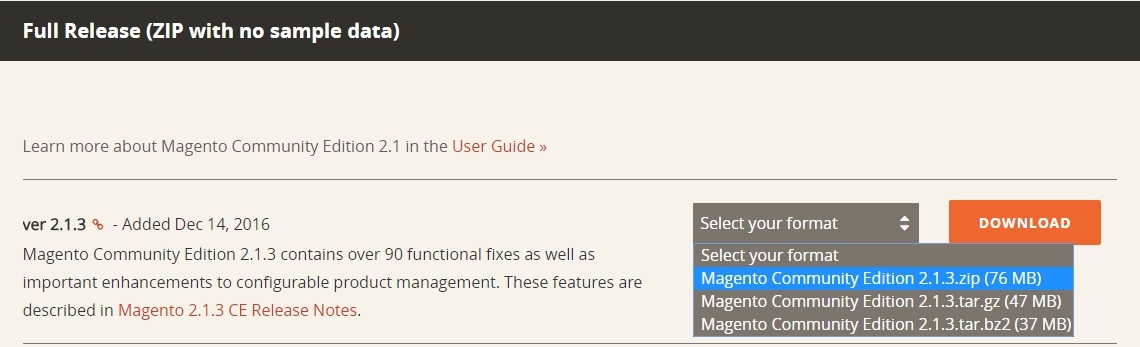
extended version is available, the blog explains how to download
Magento 2 in Windows
This blog explains the entire process of downloading Magento 2 and encompasses every important element of the downloading process so much so that it also explains the common errors (during downloading) and their
rebuttal.
The magento 2 version is better for merchants. It has significant improvements from its predecessor in User Experience, accurate and updated functionalities according to the latest industry trends. The prime focus is
to make navigation easier, hence experience enriching.
So let’s start the journey with improved installation User Interface.
Before we proceed ahead with installation, some extensions are needed to be installed, and following is the list of extensions to be downloaded.
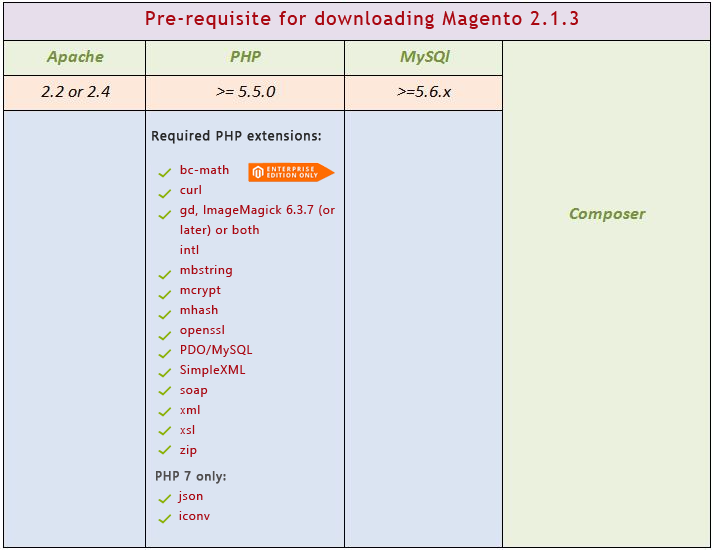
1.1 Download it from apachefriends.org
1.2 Run the setup and follow installation.
1.3 Now, you need to enable the below extensions
Before proceeding ahead, it is essential to inform you that there are certain errors that you can face while Magento 2 installation. So here is the list of probable Magento 2 errors and troubleshooting
1.3.1 Openssl
a) always_populate_raw_post_data error in Magento 2.0
One of the most common errors, it can happen due to mis-configuration in your php.ini file. To resolve this error, Find PHP folder inside the Root Folder.
In Xampp, you can find it in xampp\php\php.ini, once you find the php.ini file, Search for the always_populate_raw_post_data error.
Once you find it, it would be displaying like:
Now comment (remove semi colon) in front of the code line and replace On with -1, Now the final code would display similar to this:
b) extension=php_openssl Missing Error is Magento 2
Common error found due to php exptension being off/commented. To resolve this error, Find PHP folder inside the Root Folder.
In Xampp, you can find it in xampp\php\php.ini, once you find the php.ini file, Search for the extension=php_openssl error. Once you find it, it would be displaying like:
Now comment (remove semi colon) in front of the code line the final code would display similar to this:
1.3.2 Intl Error
a) php_intl.dll PHP missing extension error
Another common error occurring due to php exptension being off/commented.To
resolve this error, Find PHP folder inside the Root Folder.
In Xampp, you can find it in xampp\php\php.ini, once you find the php.ini file, Search for the php_intl.dll error. Once you find it, it would be displaying like:
Now comment (remove semi colon) in front of the code line the final code would display similar to this:
Composer is an application-level package manager for the PHP programming language that provides a standard format for managing dependencies of PHP software and required libraries. (source wikipedia)
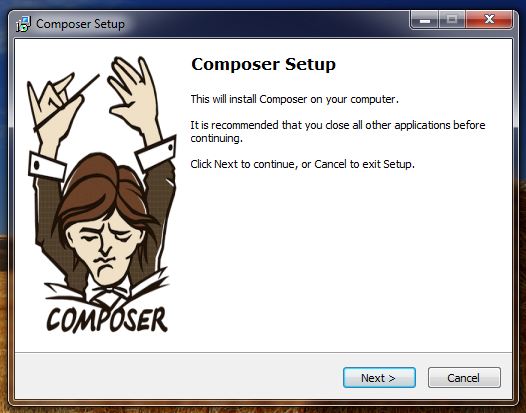
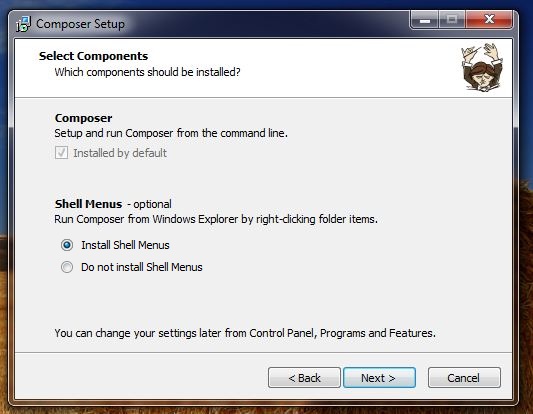
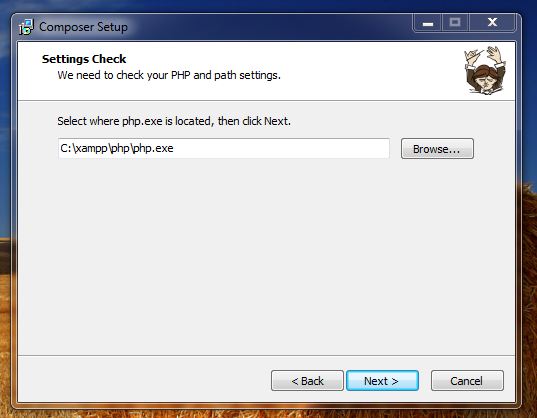
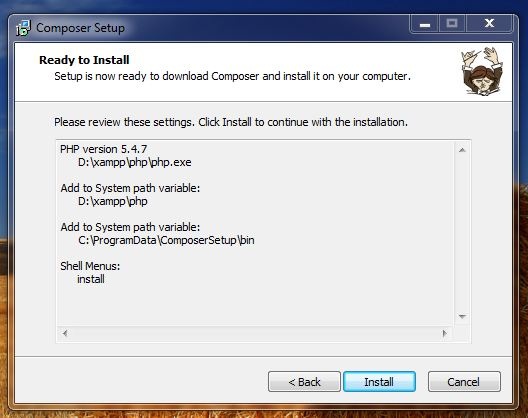
2.3.5 press next
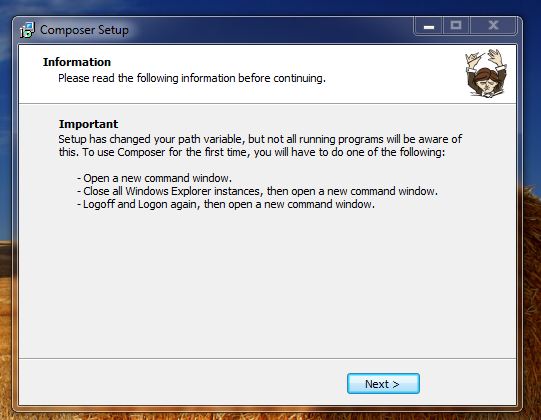
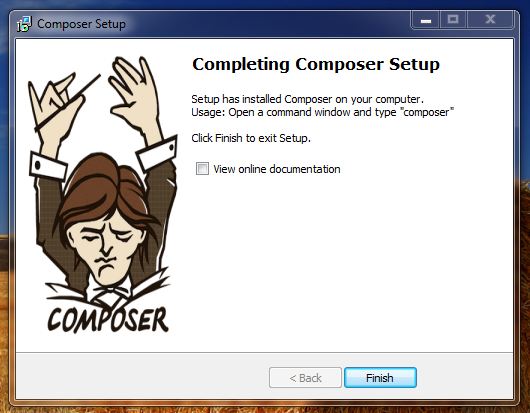
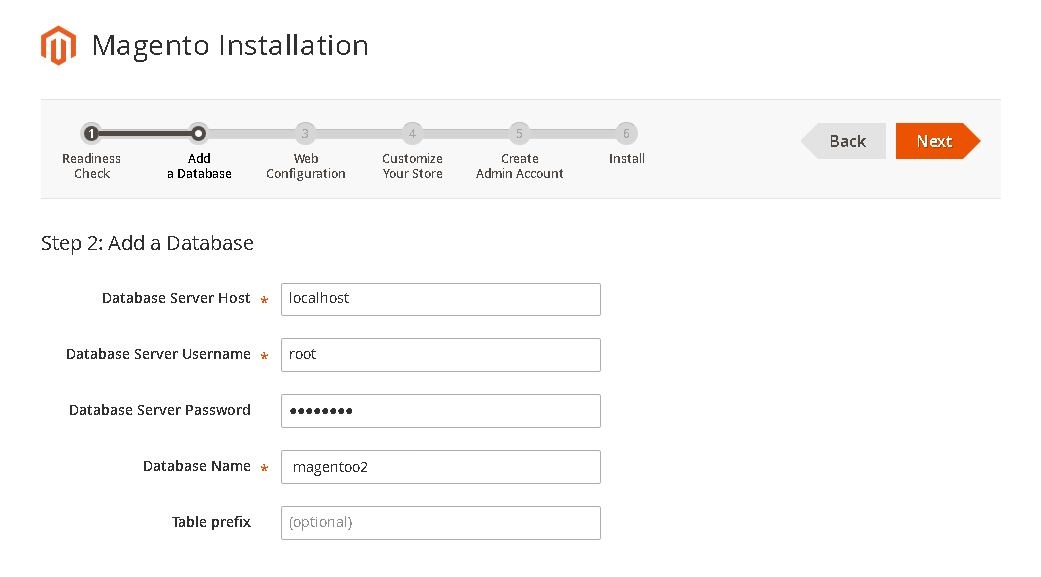
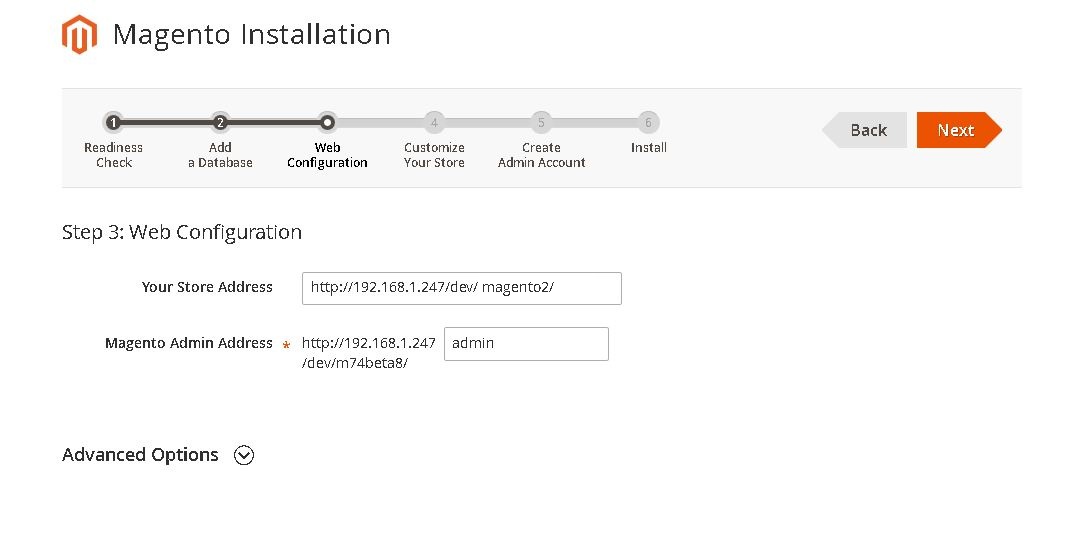
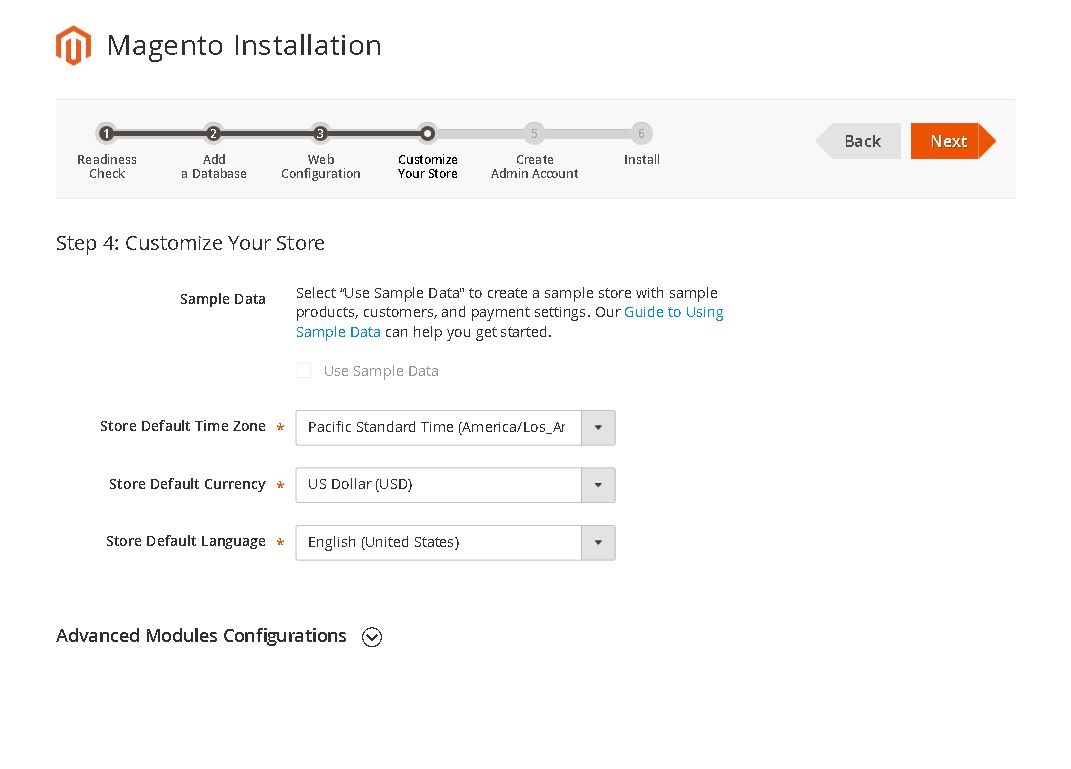
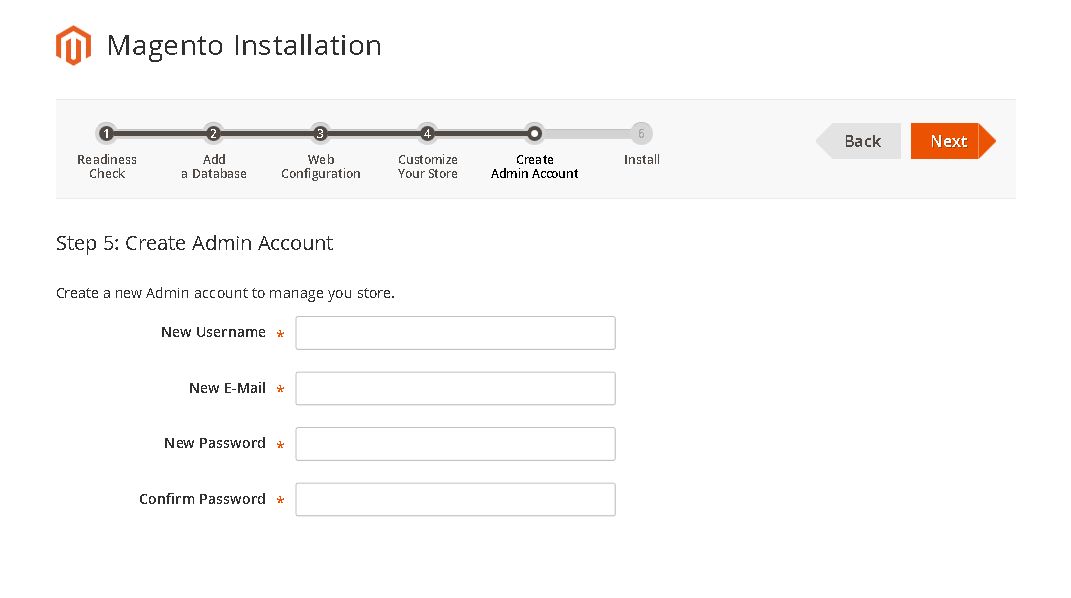
Now, that all the pre-requisites for Magento 2.0 installation is fulfilled. Let’s start the installation process installation
Open cmd (win key+R , type “cmd” , press “OK” ) and run below command
– scd <full path upto magento2 directory>
e.g C:\xampp\htdocs\magento2

– enter command “composer install”

wait till command line stops progress
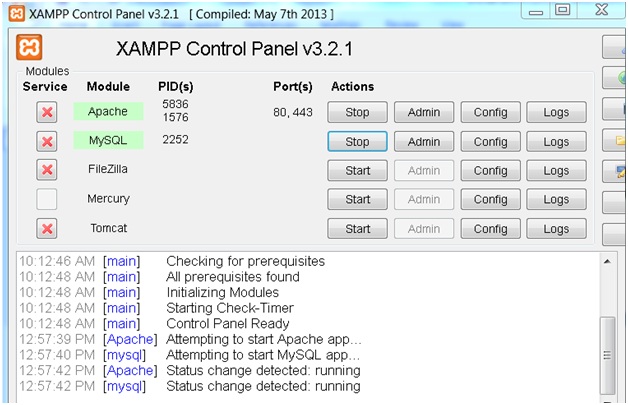
Start apache and mysql
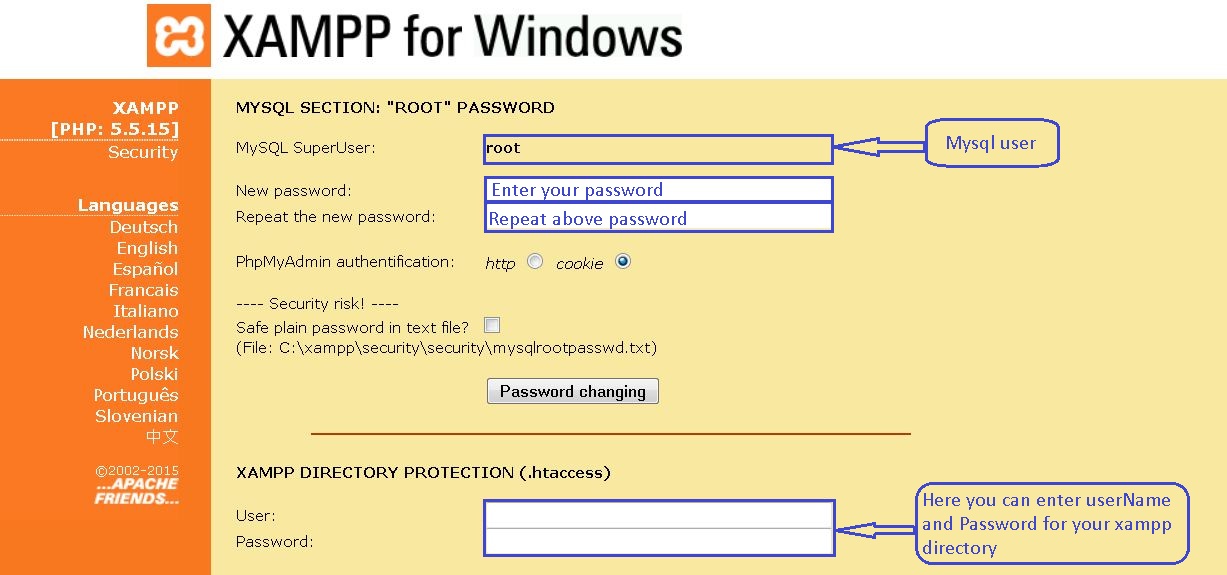
Configure apache and mysql security (Optional)
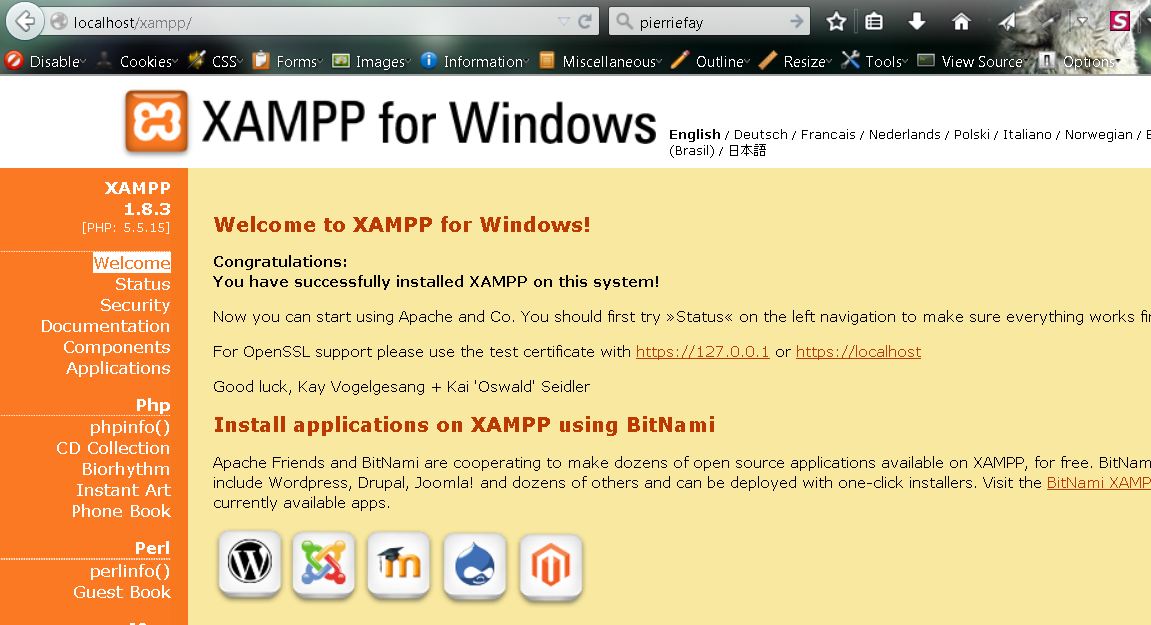
Now open browser and enter url http://localhost/xampp/ and Click on security tab
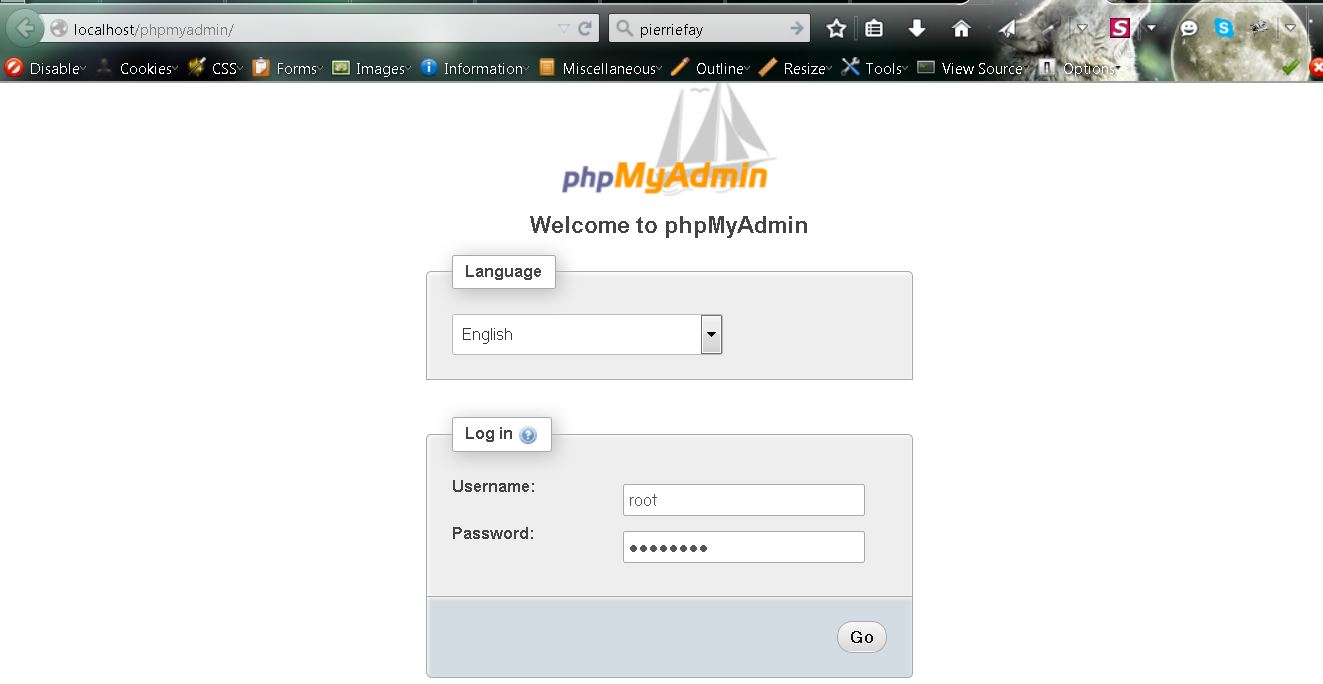
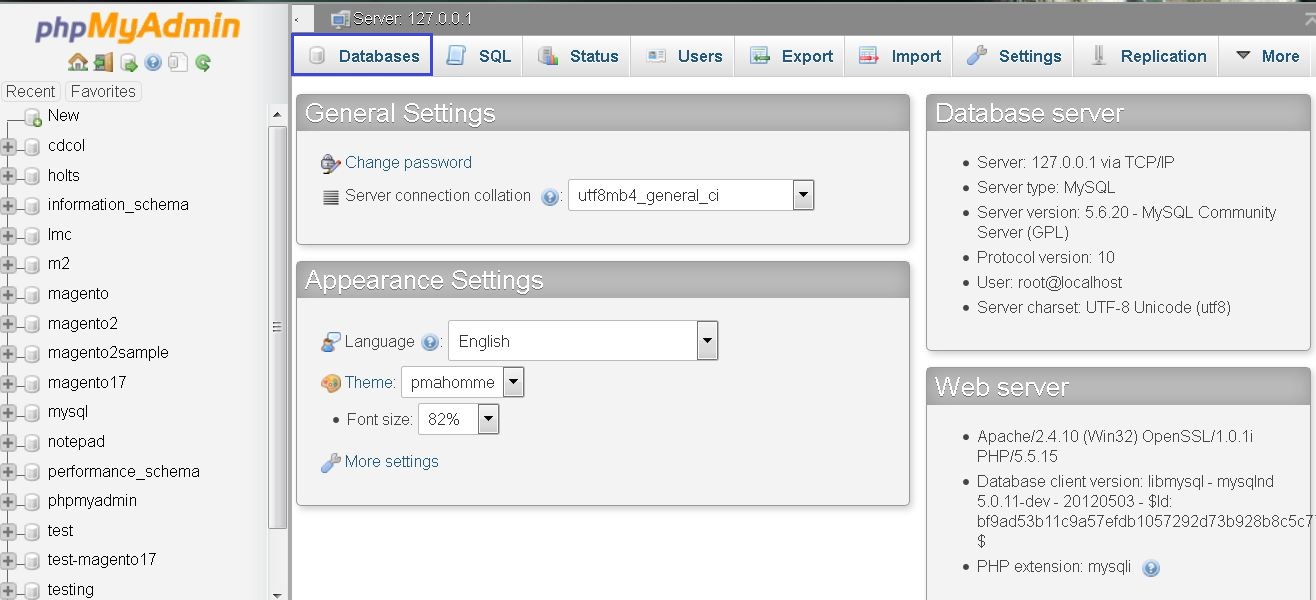
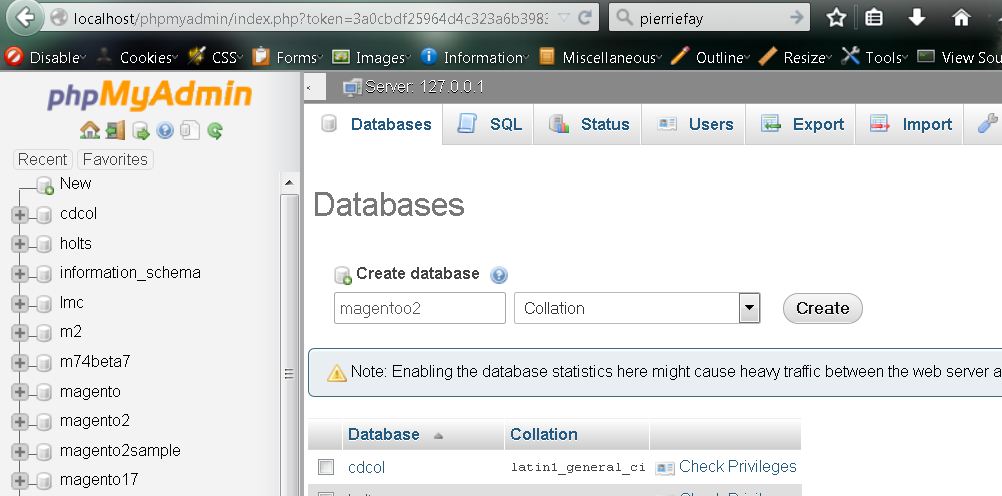
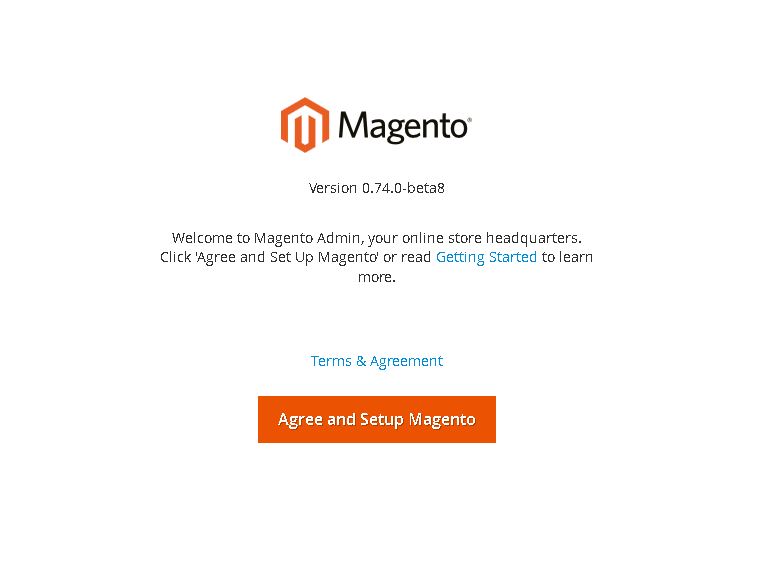
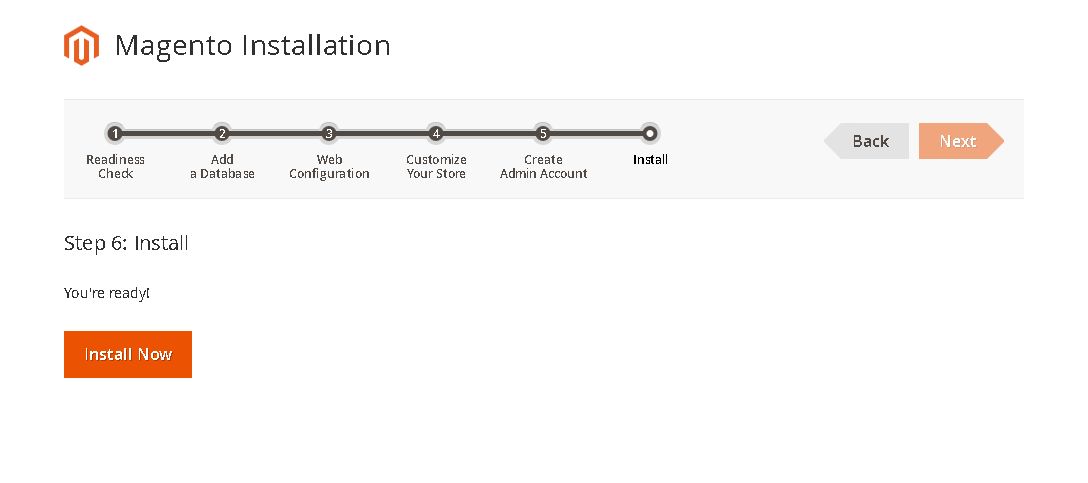
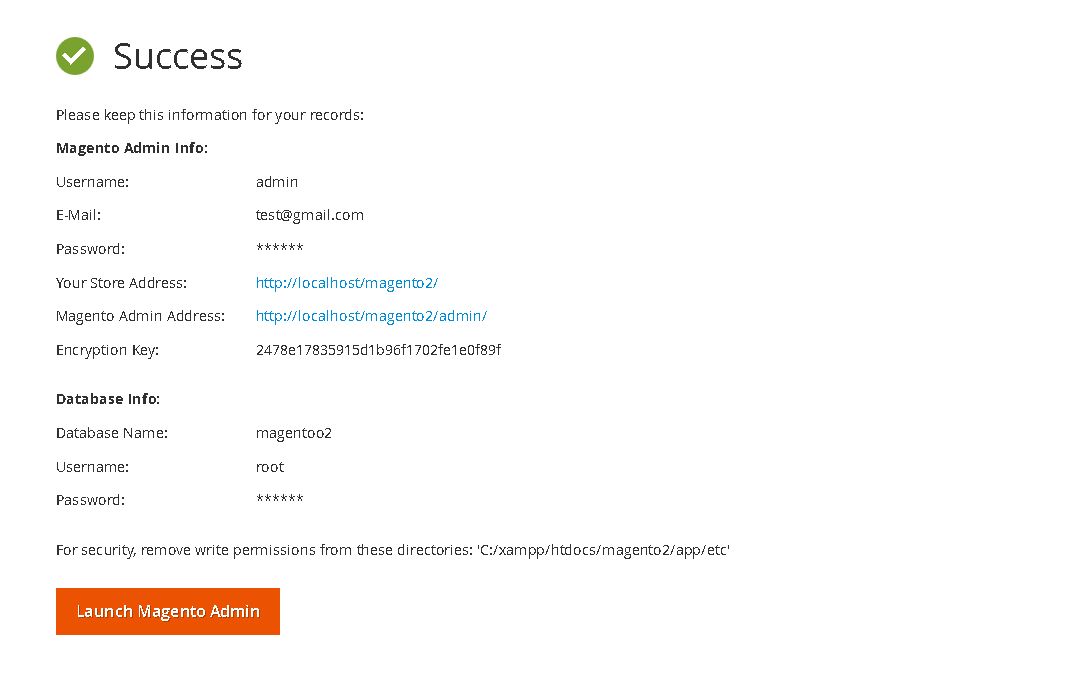
Should you’ve any queries feel free to ask your queries in the comment. Happy to help
Thanks for your interest!
Team CedCommerce


Reading Time: 2 minutes Key Highlights AI-driven traffic to U.S. retail sites will increase by…

Reading Time: 2 minutes Critical security alert for Adobe Commerce & Magento merchants. Adobe has…

Reading Time: 4 minutes Magento is a powerful platform for eCommerce websites. However, with two…
Reading Time: 13 minutes By 2025, retail eCommerce sales are projected to account for over…

Reading Time: 16 minutes E-commerce is constantly expanding, with an accelerating pace of development in…

Reading Time: 3 minutes We at CedCommerce are happy to share some exciting news for…
Reading Time: 3 minutes Portland, Oregon [October 12, 2022]: CedCommerce is a leading eCommerce solution…

Reading Time: 3 minutes Prepare yourself with a list of the Magneto Integrations you’ve always…

Reading Time: 3 minutes Portland Oregon [September 5, 2022]: CedCommerce, a Magento marketplace solution provider,…

Reading Time: 4 minutes Have you heard that Shopee OpenAPI 2.0 has replaced the 1.0…