
eBay’s Autumn/Winter 2026 Watchlist puts archival fashion back in focus
Reading Time: 3 minutes Before you buy another lot of vintage stock, look through what…

Running short of time? Get PDF of the blog in your mail.
You’ve taken the photos. The item is ready to sell. The part that keeps it sitting on your desk is filling in the listing. On 11 November, eBay introduced a camera-first version of Magical Listing that uses your photos to identify the item and fill in details for you to review before publishing.
eBay says the updated feature is available to consumer sellers in Australia, France, Germany, Italy, the UK and the US. The company also says more than 10 million distinct sellers have used its AI features and that sellers create more than 800,000 listings with AI each day. Those figures cover eBay’s AI tools across the marketplace.
Start by photographing the item in the eBay app. The tool uses the images to suggest a product match and populate the draft. You can edit what eBay fills in and choose when to publish, so the last step is still your call. eBay’s announcement
The photo set is the first place to save time. Take one clear shot of the whole item and add close-ups of identifying details, such as a model number or maker’s mark. Show wear and photograph what you’re including. Include dimensions if they affect the fit. If a charger is missing, write that in the description so the buyer can decide before ordering.
Start with the product match. Two generations of the same headphones can look nearly identical, while the model number tells you which one you have. Check the category and any filled-in item specifics against the product itself. Read through the description and remove anything you can’t verify, including material, compatibility, or a claim that an accessory is included.
Use the product details you already have in Shopify. Review your eBay listing before publishing,
then manage stock and orders across both channels.
Give price its own check, especially when condition varies widely. Compare recent sales for the same model with similar wear and accessories. A boxed example with every original part gives you a poor reference point for a scratched unit on its own. You can check actual sold prices in eBay Product Research.
Try the new flow on a small batch before making it your default. Track how long each listing takes from taking the photos to hitting publish, and note which details you keep having to fix. If every draft needs the same correction, make that detail part of your photo checklist. When you’re working through a backlog, this gives you a way to see where the time savings hold up. Test a pair of similar items in different conditions. A clean draft for one item can hide a mistake that only shows up when eBay has to distinguish the two.
A camera-first draft is handy when you’re starting with an item in front of you. If your titles, images, SKUs, and stock counts already live in Shopify, you can reuse that information when you list on eBay. Take a look at CedCommerce’s guide to listing on eBay from your store.
The CedCommerce eBay Integration brings Shopify product data into your eBay listing workflow and syncs inventory and orders between the two. It also lets you adjust a listing for eBay without changing the underlying Shopify product. That’s useful when the same SKU needs different wording on each channel and still draws from a shared stock count. Check out the CedCommerce product editing guide.


Reading Time: 3 minutes Before you buy another lot of vintage stock, look through what…

Reading Time: 3 minutes When you sell a used phone, the difference between light wear…
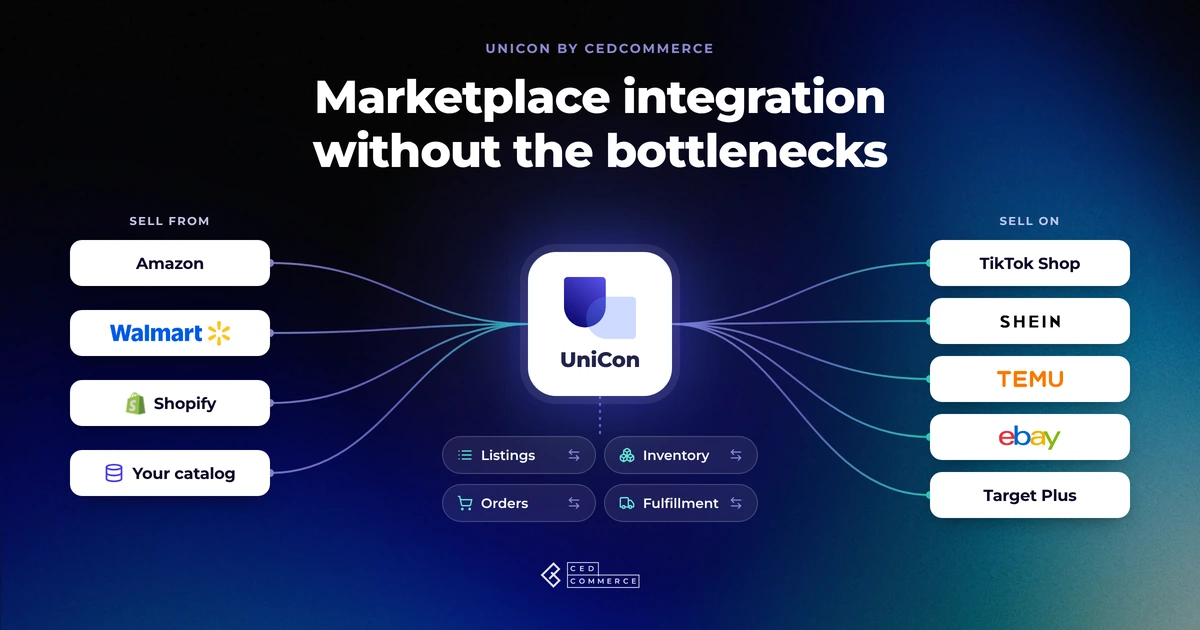
Reading Time: 13 minutes Selling on another marketplace sounds straightforward when you already have a…
Reading Time: 8 minutes If you sell regulated products on eBay and import them into…

Reading Time: 11 minutes The same physical product can require a different listing structure on…
Reading Time: 15 minutes Your marketplace app does not sync continuously. It syncs on a…
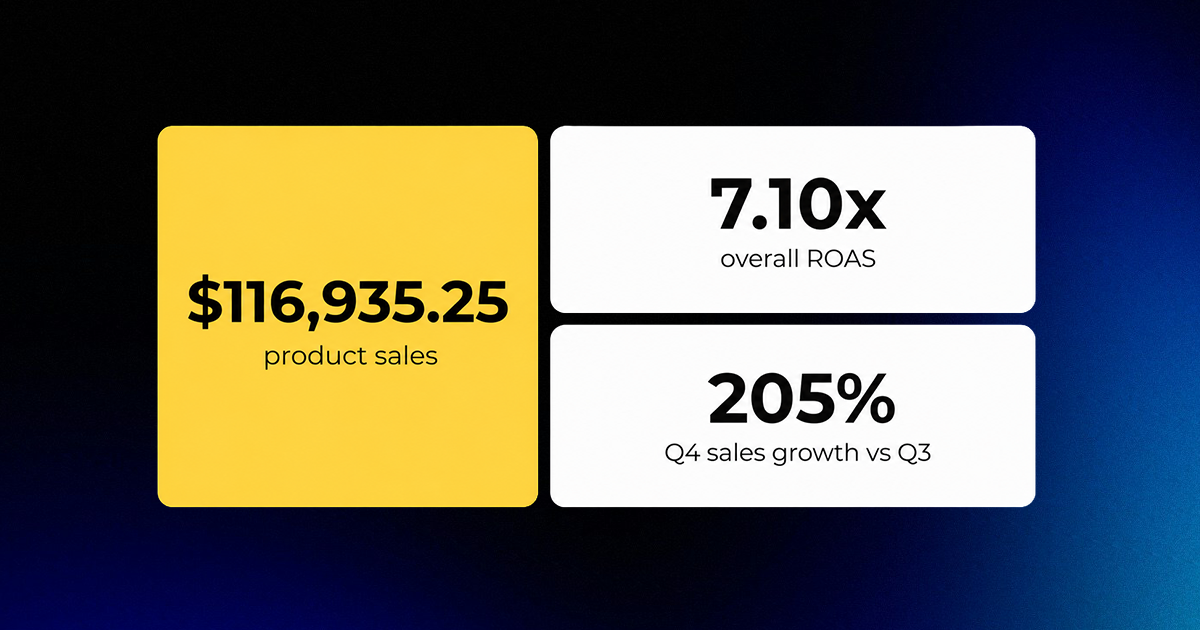
Reading Time: 4 minutes About the Client General Jim’s Toys & Bricks is a U.S.…
Reading Time: 6 minutes Your marketplace stack may be connected, but your attention is still…
Reading Time: 3 minutes Section 1: About the Client LogOX is an American-made forestry tools…

Reading Time: 9 minutes Your buyers are not shopping in one place anymore. They search…