
How to Prevent Overselling: FBA or WFS Stock on Temu, SHEIN, TikTok
Reading Time: 9 minutes When one Amazon FBA or Walmart WFS inventory pool also sells…
Running short of time? Get PDF of the blog in your mail.
You already have an Amazon catalog. Now you need to get the right products live on Walmart, keep quantities accurate on both marketplaces, and decide who ships each order. Those jobs can call for different tools.
The right Amazon-to-Walmart listing software depends on what you need after the first upload. Start with Walmart’s Express setup if you only need an initial import and your source account is eligible. Compare tools like UniCon if you want to publish selected Amazon products, keep stock and orders in sync, and route eligible Walmart orders through Amazon Multi-Channel Fulfillment (MCF).
If Walmart will be your second marketplace, compare the tools on what happens after an item goes live. Can you link a SKU you already sell there? Which system sets the available quantity? Where does the tracking number go?
| Option | Best fit | What to check before you commit |
| UniCon | You want to start from Amazon, publish selected products to Walmart, and manage inventory and orders across supported connections. UniCon also documents Amazon MCF routing for eligible Walmart orders. | Ask to see your Walmart category, stock source, and fulfillment setup in the same demo. |
| Walmart Seller Center Express setup | You’re onboarding with Walmart and want a one-time import from an eligible marketplace before reviewing and publishing items. | Decide how you’ll update stock and prices after the import. |
| Amazon Seller Central multichannel tools | You prefer working in Seller Central and want to connect existing Walmart listings, see orders, and access cross-channel fulfillment. | Amazon announced a gradual U.S. rollout. Check what your account can do today, especially if you need to create new Walmart listings. |
| ExportYourStore | You want to select products from Amazon and use rules to control which listings and quantities go to Walmart. | Test how the tool handles a Walmart item you already sell and the shipping workflow you use. |
| Easychannel | You want to import Amazon products, select which ones to publish to Walmart, and configure inventory, price, and order sync. | Ask to see how a failed update appears and how you recover it before connecting the full catalog. |
CedCommerce built UniCon. We compared publicly documented workflows for sellers adding Walmart from Amazon.
Pick a small group of SKUs that tests how your catalog actually works. Include a straightforward item, a variation with its own product ID, an item Walmart already carries, and a SKU whose stock changes frequently. If you already sell on Walmart, include one of your own live offers in the test.
| What you’re checking | What a good test shows |
| Product match | Your UPC or GTIN identifies the correct item and pack size. Check the existing Walmart catalog before you prepare a new item. |
| Variants and required fields | Size and color match the right child products. Walmart has the category attributes it requires, even if your Amazon record stores them differently. |
| Existing Walmart offers | The software links the exact SKU you already sell. It shows whether it intends to link an offer or create one before you publish. |
| Stock and pricing | One system owns the quantity you send to each channel. The Walmart price covers the costs of selling and shipping there. |
An Amazon ASIN can help you find an item on Amazon. Start your Walmart match with an accepted product identifier such as the UPC or GTIN, then check the brand, model, and pack count. A two-pack can look like a single unit when you only compare photos. See Walmart’s product identifier requirements and its variant-group rules.
Look at costs at the SKU level. Take your intended Walmart price and subtract product cost, marketplace fees, fulfillment, and estimated return costs. If the margin only works at your current Amazon price or shipping rate, resolve that before you turn on price sync.
Ask each vendor what you’d pay for your catalog size and order volume, including any separate fee for fulfillment routing. Use the cost of the plan that covers the workflow you just tested.
Choose which system controls sellable quantity, then check what each marketplace receives when an order comes in. If your warehouse ships both channels, that system may be your warehouse software. If you ship eligible orders from stock held by Amazon, check what inventory the fulfillment connection makes available and which Walmart SKUs it covers.
Say you have eight sellable units in a shared pool. You choose to hold two back and show six on Walmart. When an Amazon sale reduces the pool to seven, Walmart should show five after the next update under that rule. Check the quantity and timestamp in both systems. Then test what happens when stock runs out and when you add units back. A stock buffer gives you room during update delays. It still takes a working connection to keep the quantities aligned.
If Walmart shows the wrong number, check the SKU link first. Next, compare the inventory location that changed with the location the tool reads. Look for a second app or manual upload that can overwrite the quantity. This inventory sync troubleshooting guide covers more causes to check.
Yes. Amazon MCF can ship eligible Walmart orders using inventory you already hold in Amazon’s fulfillment network. Fulfillment by Amazon (FBA) handles orders placed on Amazon. MCF is the service you use to ship eligible orders placed elsewhere. You still need a Walmart offer and a way to send the order to MCF. See Amazon’s Walmart fulfillment announcement.
Walmart requires neutral packaging and requires you to block Amazon Logistics as a carrier when you use Amazon MCF. Check the current Walmart packaging policy before you turn on routing.
Use your first eligible order to verify the entire loop. Confirm that the Walmart SKU reaches the correct MCF item, the order reaches the intended fulfillment service, and the carrier and tracking number appear in Walmart Seller Center. Check what the tool shows if inventory is unavailable or an order can’t route. Agree on who handles that exception and how they’ll ship or cancel within the rules for your order.
Connect Amazon as your source and Walmart as your destination. Bring in the Amazon products you want to evaluate. Review Walmart’s category and required attributes, then prepare the offers you need to publish and identify any live offers you need to link. UniCon documents attribute mapping and product linking as separate steps.
Once those offers are live, check a stock change in Walmart Seller Center. If you plan to ship from FBA inventory, configure Amazon MCF for eligible orders and verify that a shipment’s tracking makes it back to Walmart. The UniCon cross-listing walkthrough covers how to get from a source catalog to a published listing.
Want to test your Amazon-to-Walmart setup in UniCon? Bring a representative SKU, your Walmart account status, and how you ship today. Use the call to scope your first batch and review how listing, stock, and fulfillment would work for your catalog.
If Shopify is where you manage the products you want to sell, you can also find UniCon in the Shopify App Store. For the separate job of publishing a Shopify catalog to Amazon, see the CedCommerce Amazon Channel.
You can reuse Amazon product data to set up Walmart offers through an eligible import or a cross-listing tool. Review Walmart’s category, product identifiers, variant requirements and your rights to use the content before publishing. If Walmart already has the identical item, check whether you can match it and add your offer.
Yes. Tools such as ExportYourStore and Easychannel document workflows for selecting products to publish. A small first batch lets you catch a pack-size error or a variant mismatch before you send more items. Check selection controls for the specific import method you use.
Yes. Some tools connect Amazon and Walmart directly, so you can start with an Amazon Seller Central catalog. Check which system sets the sellable quantity, how your Walmart SKU links to the source SKU, and whether your chosen connection reads the stock you actually use to ship.
Yes, through Amazon MCF for eligible orders. Stock you hold with FBA can supply those orders. Walmart requires sellers using Amazon MCF to use neutral packaging and block Amazon Logistics as a carrier. Verify that valid tracking flows back to Walmart for your test order.

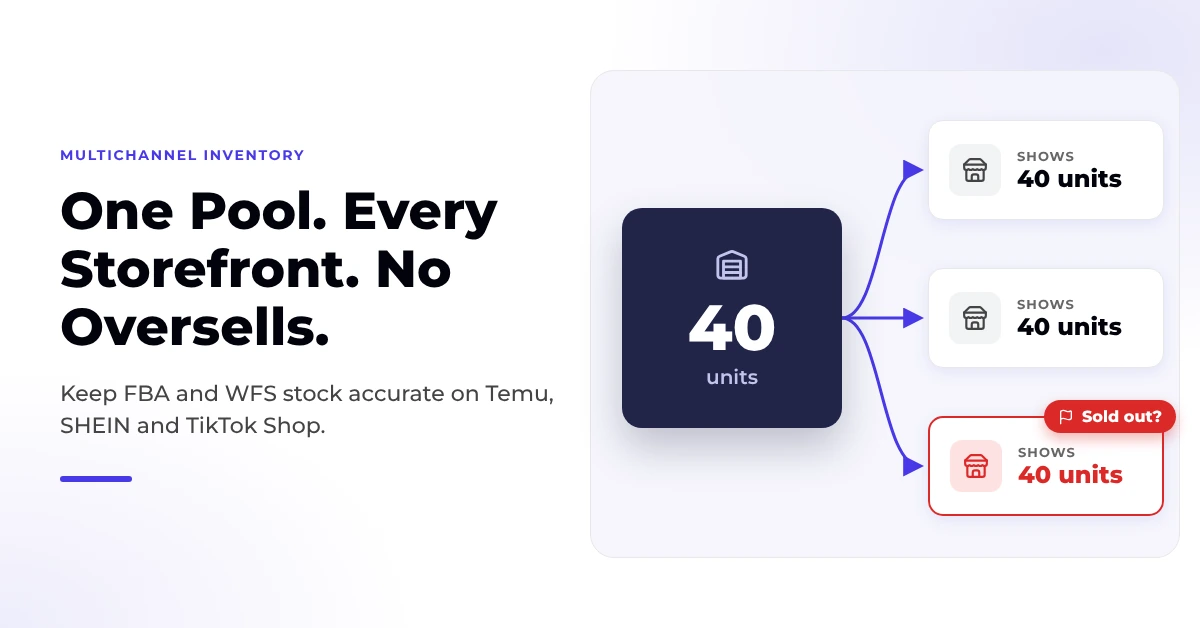
Reading Time: 9 minutes When one Amazon FBA or Walmart WFS inventory pool also sells…
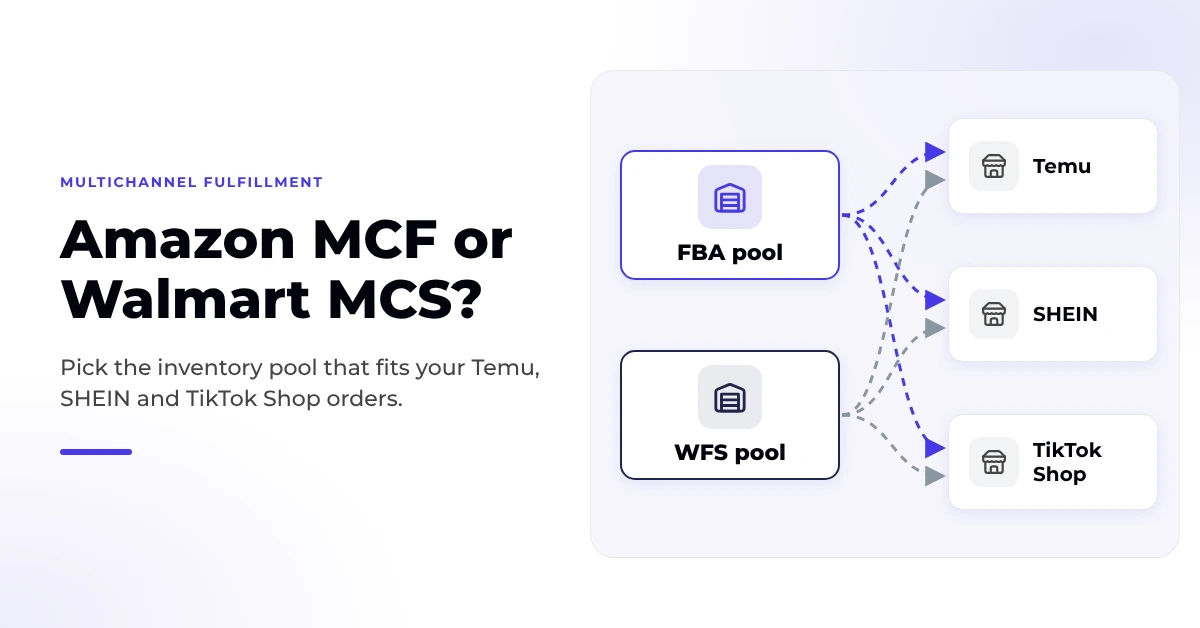
Reading Time: 9 minutes Amazon MCF and Walmart MCS both name Temu, SHEIN and TikTok…
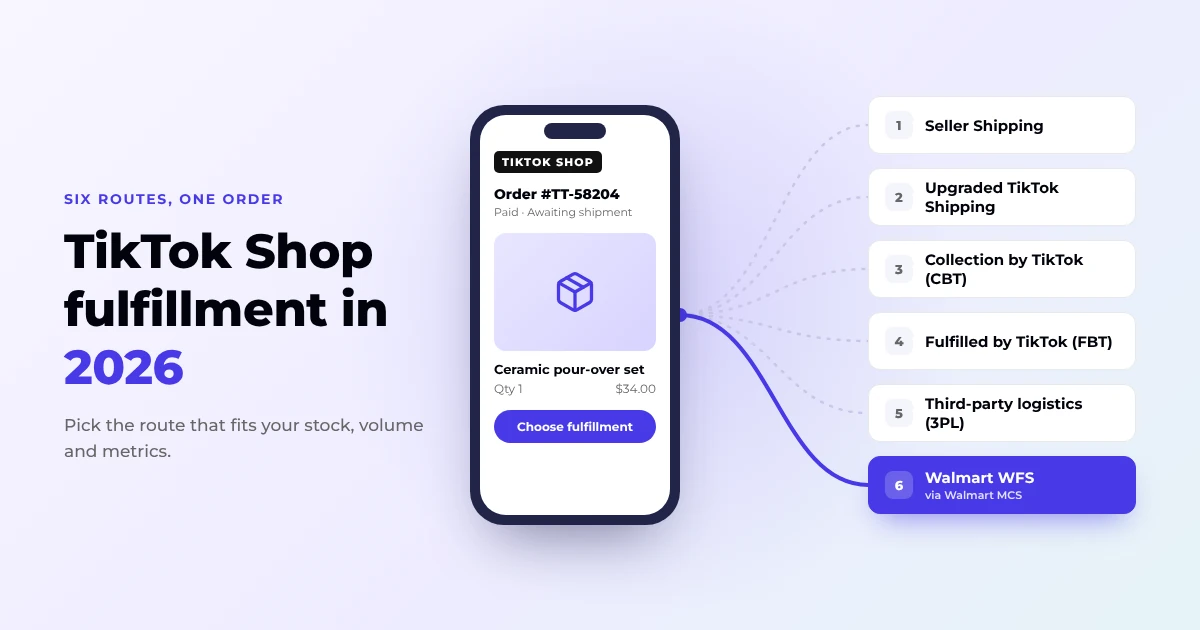
Reading Time: 14 minutes TikTok Shop fulfillment in the US now comes down to six…
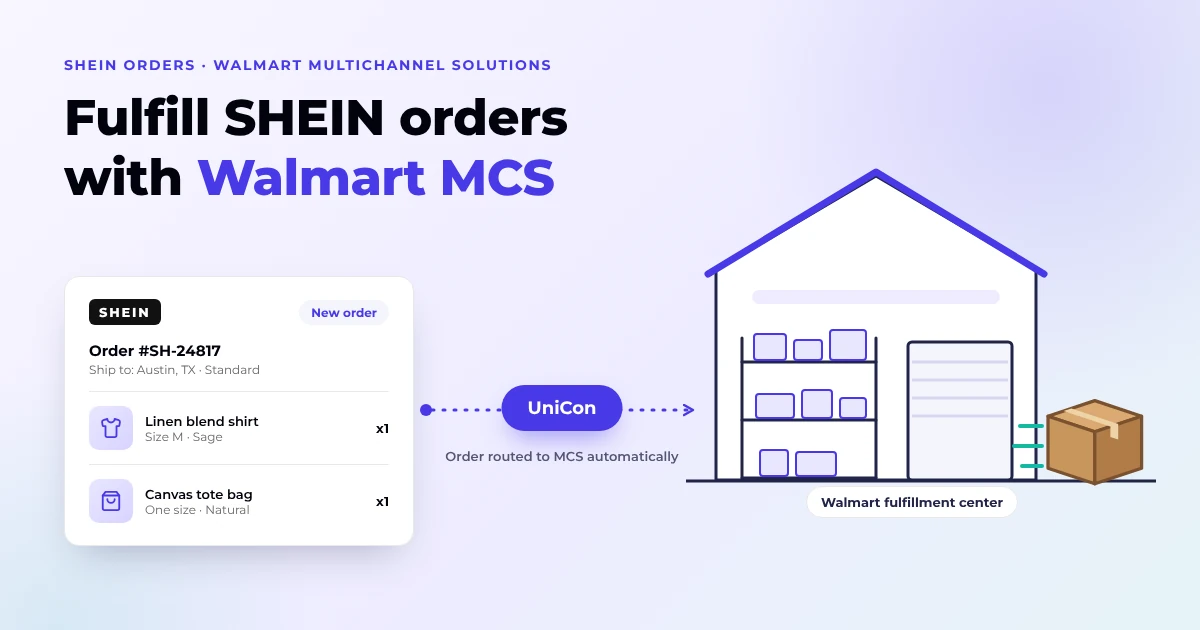
Reading Time: 13 minutes Q4 is a bad time to discover that expanding to another…
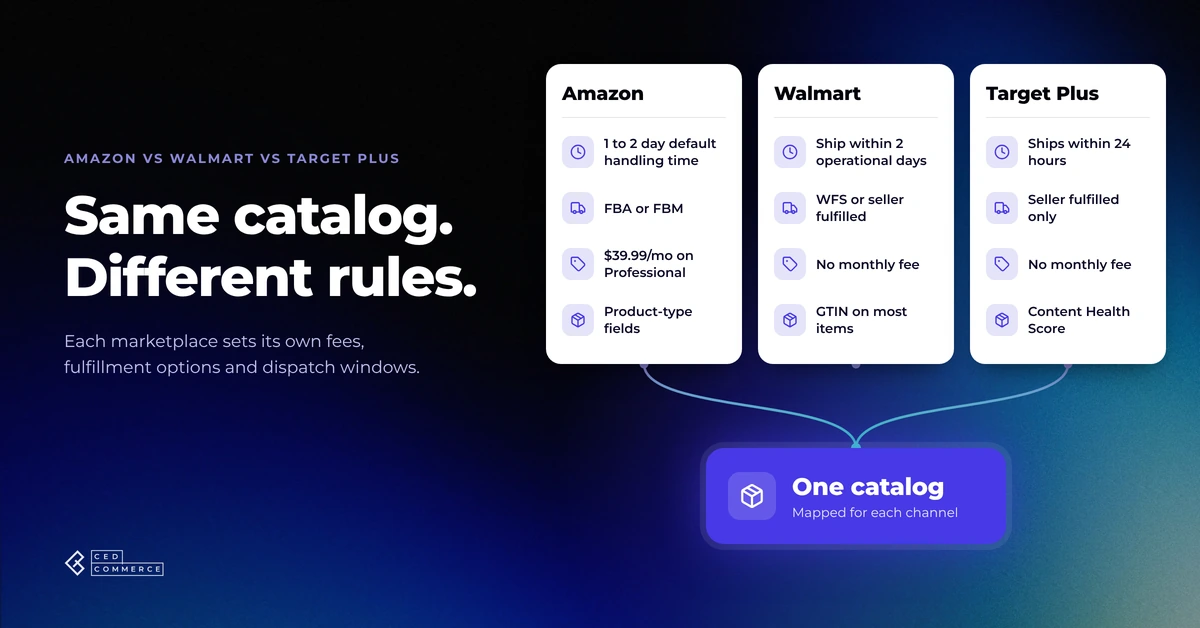
Reading Time: 11 minutes If you already sell on Amazon, adding Walmart or Target Plus…
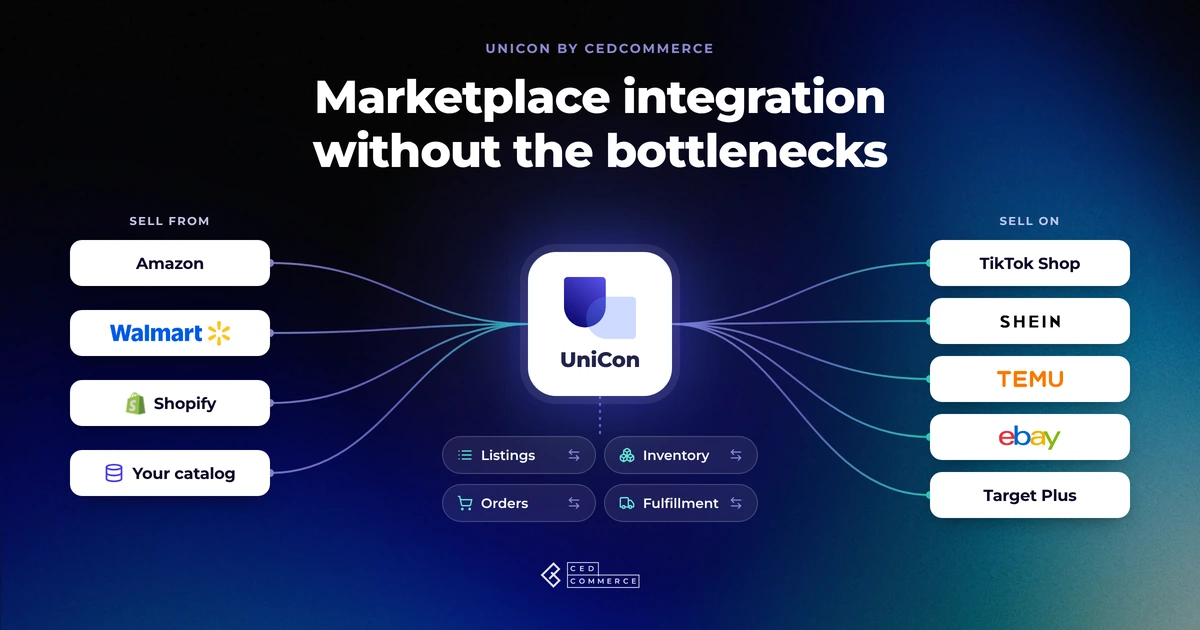
Reading Time: 13 minutes Selling on another marketplace sounds straightforward when you already have a…
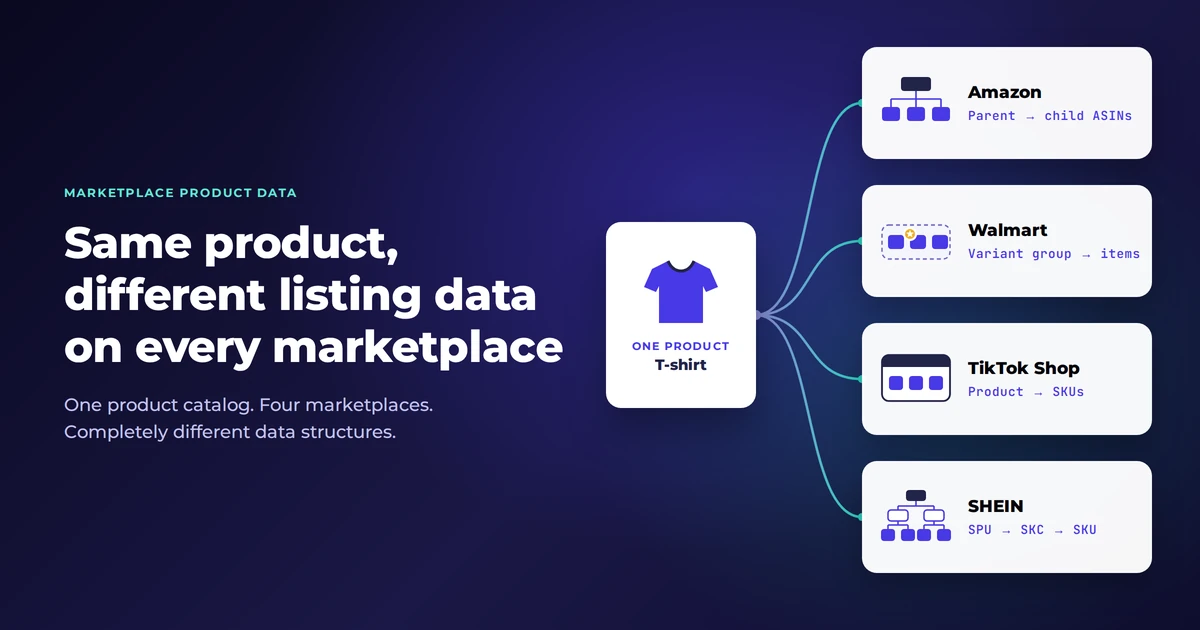
Reading Time: 11 minutes The same physical product can require a different listing structure on…
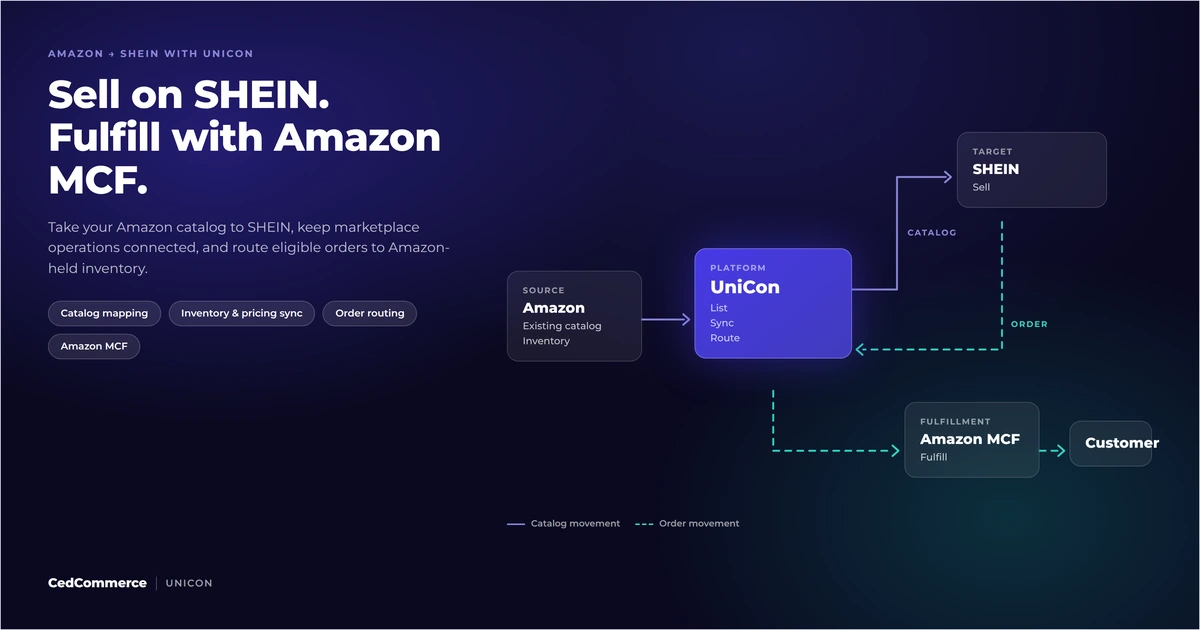
Reading Time: 12 minutes Looking to sell on SHEIN from Amazon? You could potentially tap…
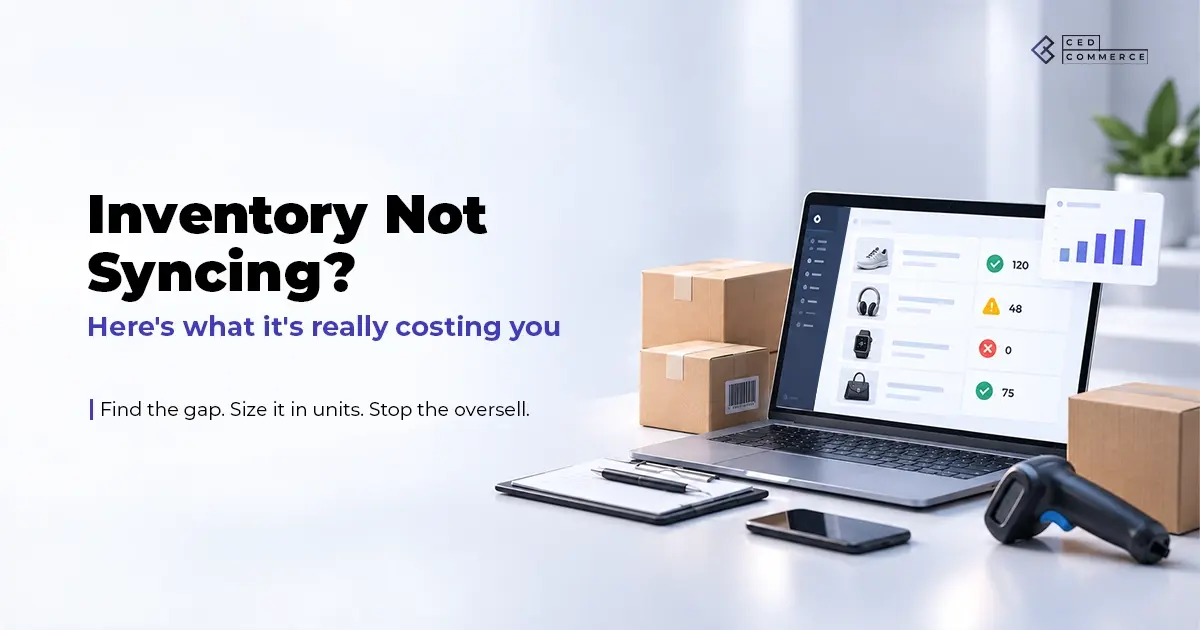
Reading Time: 15 minutes Your marketplace app does not sync continuously. It syncs on a…
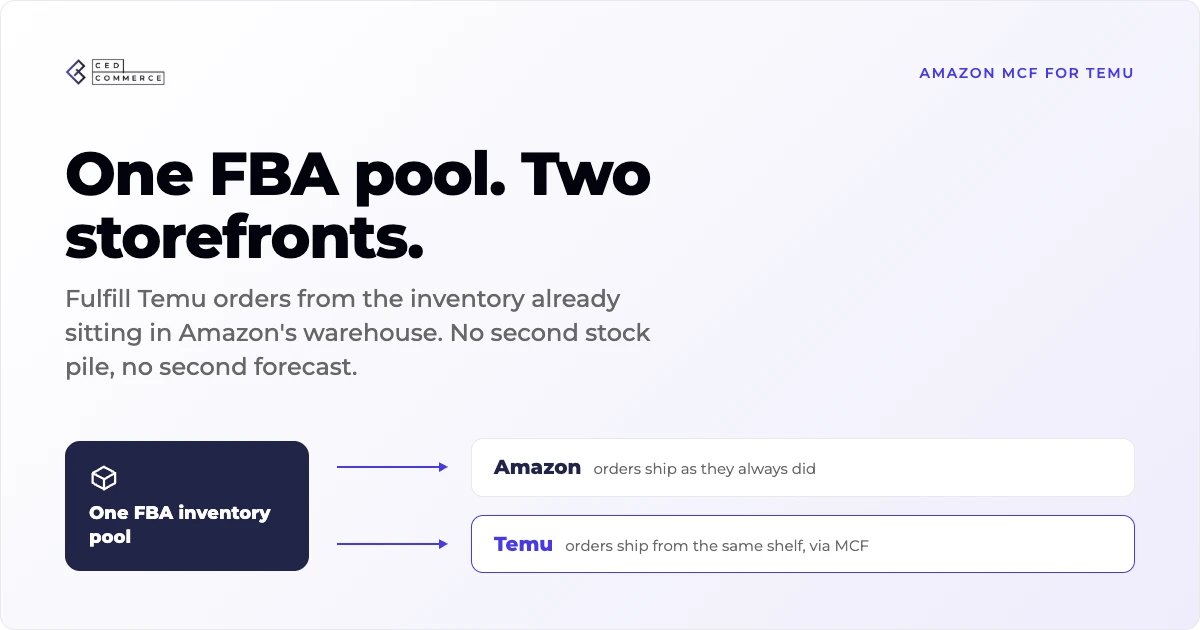
Reading Time: 19 minutes Ever wondered if your FBA inventory could turn Amazon into a…